Leawo iOS Data Recovery Review 2026
Leawo covers basic iPhone extraction, yet its narrow direct-scan support, stale Mac requirements, plus one-device licensing make it hard to recommend. Disk Drill is the more capable recovery purchase.
Leawo iOS Data Recovery is not our pick for 2026. It can extract selected records from an iPhone or backup, but direct recovery is limited to six data categories. Disk Drill is the better alternative if you want broader recovery tools, current desktop support, backup imaging, plus one license for Windows or macOS.
Do not assume an iPhone scan can restore permanently deleted photos because modern iOS encryption often makes those files unrecoverable without an existing backup.
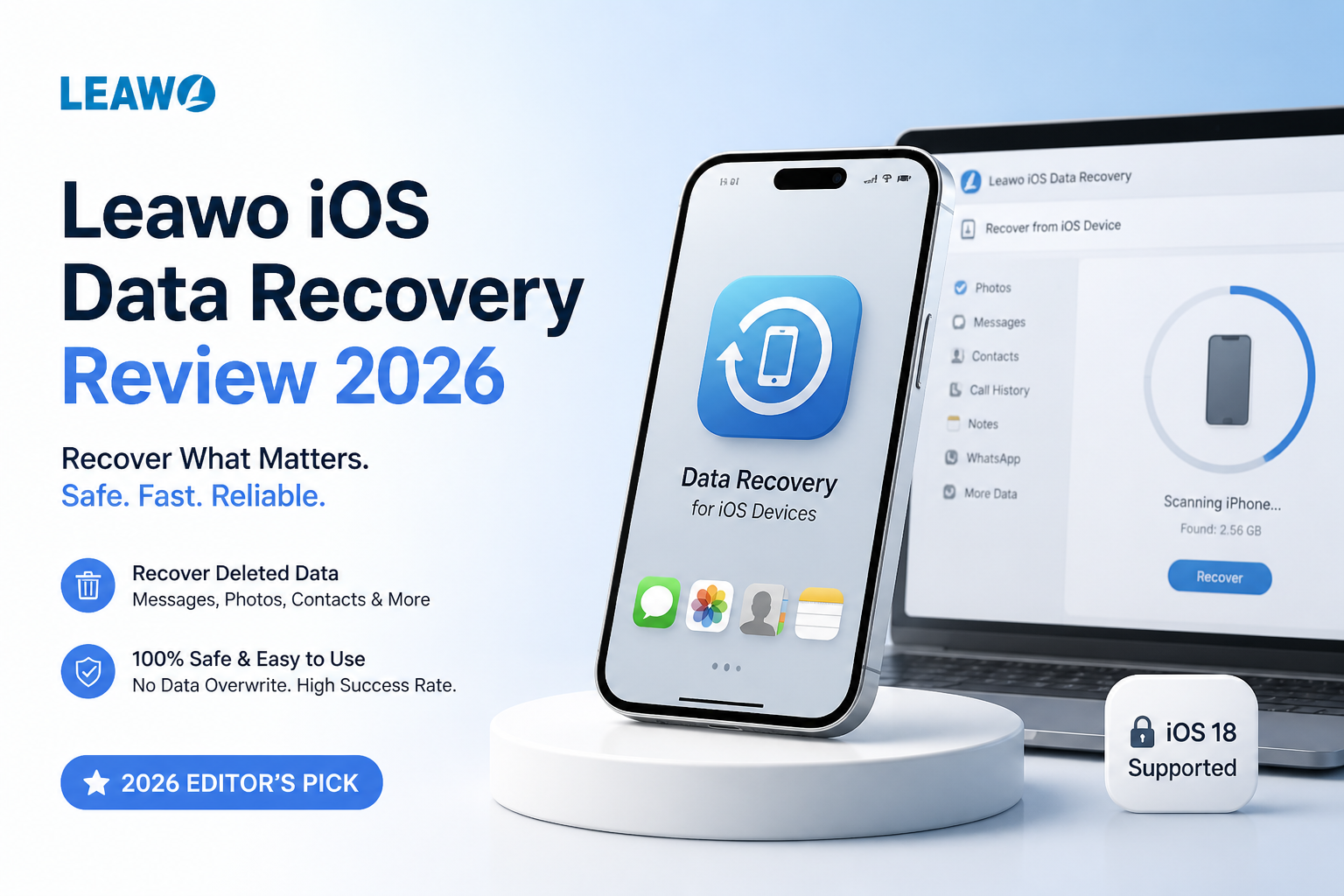
Leawo iOS Data Recovery at a Glance
4.6/10Leawo is a Windows or Mac utility for scanning selected iPhone records plus extracting files from local Apple backups. Its broadest recovery mode depends on a backup that already contains the missing material.
Best forSomeone who has confirmed that a specific message, contact, note, or photo appears in an old local backup
- Direct scans for six listed record categories
- Extraction from local iTunes backups
- Selective preview plus computer export
- Annual or lifetime single-PC licenses
- Simple backup browsing
- Low-cost lifetime tier
- Selective item export
- Limited direct-scan categories
- Stale Mac compatibility details
- One-PC license
Leawo iOS Data Recovery: Scores Across Five Key Criteria
| Category | Performance | Score |
|---|---|---|
| 01 iPhone Recovery Depth | 3.8/10 | |
| 02 Backup Extraction | 6.8/10 | |
| 03 Device Compatibility | 4.9/10 | |
| 04 Workflow Usability | 6.1/10 | |
| 05 Cost & Licensing | 3.4/10 |
How We Evaluated Leawo iOS Data Recovery for This 2026 Review
We evaluated Leawo's three core jobs separately: reading a connected iPhone, examining a local Apple backup, plus exporting selected results. Scoring also covered published file categories, current operating-system guidance, preview limits, refund terms, renewal behavior, plus the number of computers allowed by each license.
Recovery claims were judged against a basic technical reality. Modern iPhones use file-based encryption, so deleting a file can remove the key needed to read it. No desktop app should receive extra credit for implying that every deleted photo remains recoverable.
When Leawo iOS Data Recovery Is the Wrong Tool
Avoid Leawo if the phone will not power on, has severe liquid damage, cannot establish trust with a computer, or contains no usable backup. Software cannot scan storage through a dead logic board. A reputable recovery lab is the safer next step for physical failure.
Leawo is also a weak fit for deleted modern iPhone photos with no iCloud, Finder, iTunes, or third-party backup. Check Recently Deleted, iCloud Photos, Messages attachments, shared albums, plus computer imports before buying any recovery app.
Leawo iOS Data Recovery Performance in Detail
01 iPhone Recovery Depth
Direct scans recover fewer categories than the product page first suggests
3.8/10
iPhone Recovery Depth
Direct scans recover fewer categories than the product page first suggests
Leawo separates recovery into device scans plus backup extraction. The distinction matters. Its current product details list only six categories for direct device recovery: contacts, messages, call history, calendar entries, notes, plus reminders.
Photos, videos, voice memos, attachments, plus Safari bookmarks are primarily listed under backup recovery. That makes the tool closer to a backup browser in many common cases, not a way to undelete any file that once lived on an iPhone.
- Can inspect selected records on a connected iPhone
- Lets users choose individual items before export
- Covers common text-based records such as messages or contacts
- Direct recovery is restricted to six listed categories
- Deleted photos may require a usable backup
- Cannot bypass modern iPhone encryption limits
02 Backup Extraction
The strongest part of Leawo, provided a usable backup already exists
6.8/10
Backup Extraction
The strongest part of Leawo, provided a usable backup already exists
Leawo performs better as an extractor for stored backups. Its documentation lists 12 recoverable data categories from iTunes backups, including camera media, messages, voice memos, call records, notes, plus Safari bookmarks.
Selective export is useful when restoring an entire iPhone would overwrite current content. Still, the tool cannot pull missing records from a backup that never contained them. Apple Finder or iTunes can already restore complete backups for free, so Leawo's real advantage is browsing plus selective export.
- Previews records before export
- Extracts individual items without a complete device restore
- Supports photos, messages, notes, plus voice memos from backups
- Useful for examining an old local backup
- Requires a valid backup for its widest data coverage
- Adds little value when a full Apple restore is acceptable
03 Device Compatibility
Broad device claims meet uneven desktop documentation
4.9/10
Device Compatibility
Broad device claims meet uneven desktop documentation
Leawo's current sales page names recent iPhone generations, Windows 11, plus older Apple devices. The Mac specifications are much less reassuring because they still list releases from Mac OS X 10.6 through 10.9. That is an unusually old compatibility range for software sold in 2026.
Windows users receive clearer guidance. Mac users should install the trial before paying, connect the exact iPhone involved, then confirm that the needed backup appears. A product page mentioning an iPhone model does not guarantee useful access to permanently deleted data.
- Windows 11 appears in the published requirements
- Recognizes several generations of iPhone or iPad
- Works with local iTunes backups
- Published Mac requirements look badly outdated
- Modern iOS recovery limits are poorly explained
- A connected device still requires Apple trust permissions
04 Workflow Usability
Simple mode selection cannot fix uncertain recovery expectations
6.1/10
Workflow Usability
Simple mode selection cannot fix uncertain recovery expectations
The main workflow is easy to follow. Pick a connected device or backup, wait for the scan, filter the results, preview an item, then export it to the computer. This is easier than manually digging through an iTunes backup database.
The larger problem is communication. Results may include existing records, cached material, plus backup content rather than truly deleted files. Leawo needs clearer labels explaining where each item came from. Without that context, a long result list can look more successful than it really is.
- Straightforward three-stage recovery flow
- Selective preview reduces unnecessary exports
- Results are grouped by data category
- Source of each recovered item can be unclear
- Scanning cannot overcome missing encryption keys
- Interface materials still reference older Apple software
05 Cost & Licensing
A low lifetime price loses appeal once its narrow role is considered
3.4/10
Cost & Licensing
A low lifetime price loses appeal once its narrow role is considered
Leawo costs $59.95 per year or $69.95 for a lifetime license. Each listed plan covers one user on one PC. The annual option renews automatically unless canceled.
The lifetime tier is only $10 more than one year, so it is the sensible Leawo plan. Even then, paying for a separate iPhone backup extractor feels hard to justify unless its preview shows the exact missing records. Disk Drill costs more, but its license covers Windows plus macOS, up to three devices, while adding computer drives, memory cards, disk images, plus broader file recovery.
- Lifetime license is only $10 above the annual plan
- Trial can be used before checkout
- One-time payment option includes future updates
- One-computer activation is restrictive
- Annual plan auto-renews
- Poor value if the needed item is absent from the preview
Leawo iOS Data Recovery vs Disk Drill: Head-to-Head Comparison
We compared each app as a personal recovery purchase, focusing on iPhone access, backup inspection, desktop media support, preview tools, platform coverage, plus licensing. Neither program can decrypt permanently deleted modern iPhone files whose encryption keys are gone.
| Metric | Leawo iOS Data Recovery | Disk Drill |
|---|---|---|
| Direct iPhone Data Coverage | Six listed record categories | Broader iOS backup analysis on Mac |
| Local iOS Backup Inspection | 12 listed categories | Detailed backup scan plus forensic-style results |
| Computer Drive Recovery | iOS-focused only | Internal drives, external disks, USB media, memory cards |
| Disk Imaging Tools | No byte-to-byte imaging tool listed | Byte-to-byte backup creation included |
| Current Platform Coverage | Windows guidance is current; Mac page lists very old releases | Actively maintained Windows plus macOS versions |
| Free Evaluation | Scan or preview before purchase | Scan, preview, plus limited free Windows recovery |
| Personal License | $69.95 lifetime, one PC | $89 yearly or $149 lifetime, both platforms, up to three devices |
| Overall Score | 4.6 / 10 | 8.7 / 10 |
Use Disk Drill Instead of Leawo iOS Data Recovery
Disk Drill makes more sense if you want one recovery app for an Apple backup today, then a damaged SD card or deleted computer folder later.
01 Disk Drill
A broader recovery toolkit for iPhone backups, Macs, PCs, plus removable storage
8.7/10
Disk Drill
A broader recovery toolkit for iPhone backups, Macs, PCs, plus removable storage
Disk Drill is the better purchase for households that need more than one narrow iPhone utility. On supported Macs it can analyze accessible iPhone or iPad data plus local backups. The same license also handles deleted files from computers, external drives, USB sticks, SD cards, plus disk images.
Its free edition lets you scan plus preview results before buying. Windows also includes limited free recovery. The paid license is pricier than Leawo, though it covers Windows plus macOS with up to three activations, which is far more useful if another data-loss problem appears later.
- Covers iOS backups plus ordinary storage devices
- Creates byte-to-byte images before risky scans
- Clear file previews plus recovery-chance estimates
- One personal license works across Windows or macOS
- Lifetime plan includes future upgrades
- iPhone recovery features are centered on the Mac version
- Cannot restore cryptographically erased iPhone files
- Full unlimited recovery requires a paid plan

Should You Buy Leawo iOS Data Recovery in 2026?
Leawo iOS Data Recovery is not recommended for most people. It is usable for selectively extracting records from an existing backup, but its limited direct scan, unclear modern Mac support, plus single-PC licensing leave too many doubts.
Skip it if you expect guaranteed recovery of permanently deleted iPhone photos. Choose Disk Drill if you want stronger backup analysis plus a recovery app that remains useful for Macs, PCs, external drives, memory cards, or disk images.
Run the free scan first, open several previews, then pay only if the exact missing records display correctly with recognizable content.