Disk Drill Review for iPhone 2026: Recover Deleted Files & Photos
Disk Drill gives Mac users a practical way to inspect iPhone backups, preview lost items, then recover only what they need. It works best when a useful local backup still exists.
Disk Drill is worth trying if you need specific photos, messages, contacts, or notes from an iPhone backup without restoring the whole phone. The preview-first workflow is reassuring, though iOS security means it cannot perform a raw deep scan of the phone's storage.
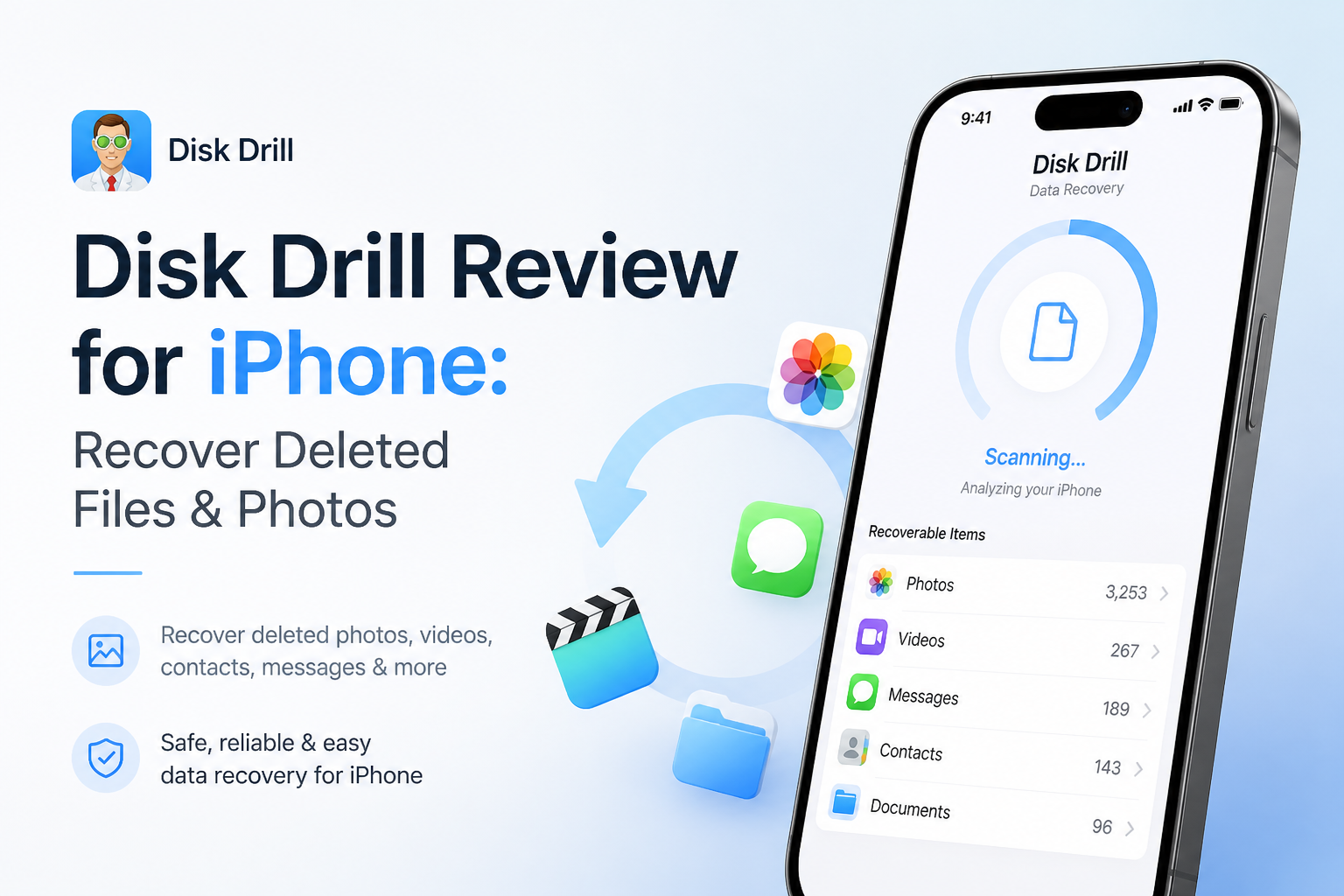
Disk Drill for iPhone at a Glance
8.8/10Disk Drill is a macOS data-recovery app that analyzes an iPhone or local iPhone backup. It lets you preview supported records, then export selected items without restoring the whole device.
Best forMac users who need a few specific items from an iPhone or Finder backup
- Local iPhone backup analysis
- Photo plus video previews
- Message, note, plus contact extraction
- Selective file export
- Encrypted backup support
- Simple guided workflow
- Useful previews before payment
- Broad record categories
- No Windows iPhone recovery mode
- No raw deep scan of iPhone storage
- Needs substantial free Mac storage
Disk Drill iPhone Recovery Features in Detail
01 iPhone Recovery Workflow
Selective extraction without a full phone rollback
9.3/10
iPhone Recovery Workflow
Selective extraction without a full phone rollback
Disk Drill takes the sensible route for modern iPhones. It creates or opens a local device backup, analyzes that copy, then presents recoverable records by type. This avoids replacing everything currently on the phone just to retrieve one old photo or conversation.
The strongest part is selective recovery. You can browse results, open supported previews, tick only the useful items, then save them to the Mac. That feels much safer than restoring an entire Finder backup from an earlier date.
There is one technical catch. iOS does not expose raw storage blocks, so Disk Drill cannot run the same Quick Scan or Deep Scan used for an SD card or hard drive. Its iPhone results depend heavily on what remains inside the accessible backup, databases, plus cached material.
- Recovers individual items instead of rolling back the whole iPhone
- Can create a temporary local backup for analysis
- Displays supported records in browsable categories
- Keeps recovered files separate from the source phone
- Requires a Mac for iPhone recovery
- Cannot raw-scan encrypted iPhone storage

02 Ease of Use
A short path from connection to preview
9.1/10
Ease of Use
A short path from connection to preview
The basic sequence is easy to follow: connect the iPhone, tap Trust, choose the device in Disk Drill, then start the search. Results can be narrowed to photos, videos, messages, notes, contacts, or other supported records.
Previews do most of the useful work. Rather than paying based on a list of filenames, you can inspect supported items first. A photo that opens correctly is a much better buying signal than a green recovery estimate alone.
- Clear device list with a dedicated iPhone section
- Filters reduce clutter in large backups
- Preview is available before a paid recovery
- Recovery leaves current phone settings untouched
- Initial backup creation can take a while
- Trust prompts plus backup passwords may confuse first-time users
03 Recoverable Data Coverage
More useful for records than raw file carving
8.7/10
Recoverable Data Coverage
More useful for records than raw file carving
Disk Drill can organize several kinds of iPhone content, including photos, videos, contacts, notes, messages, plus certain app records. Encrypted local backups usually expose more information than unencrypted copies, particularly for protected categories.
Photo recovery needs realistic expectations. If iCloud Photos was enabled, full-resolution images may not exist inside a local Finder backup. In a no-backup case, Disk Drill may find cached thumbnails, though those can be smaller than the originals.
- Supports several common iPhone data categories
- Can inspect existing Finder or older iTunes backups
- Encrypted backups may reveal additional protected records
- Useful filters for large photo libraries
- iCloud Photos can leave local backups without original images
- Cached photos may be thumbnail quality only
04 iOS Limit Handling
Clear boundaries imposed by Apple's security model
8.2/10
iOS Limit Handling
Clear boundaries imposed by Apple's security model
Disk Drill does not pretend that an iPhone behaves like a removable drive. Hardware-linked encryption plus Apple's data-protection system prevent desktop recovery apps from reading deleted storage blocks directly.
That limitation makes backup timing crucial. A backup made before deletion may hold the missing item. A newer backup might already reflect the deletion. If no copy, cache, synced version, or message attachment remains, no desktop tool can promise the original file.
- Uses logical recovery suited to current iOS security
- Does not require jailbreaking the phone
- Lets you inspect backups without restoring them
- Explains why standard deep scanning is unavailable
- Success depends heavily on backup contents
- Permanently erased originals may be unrecoverable
05 Cost and Licensing
Free inspection before an $89 annual upgrade
8.4/10
Cost and Licensing
Free inspection before an $89 annual upgrade
Disk Drill Basic costs $0, making it useful for checking whether the software can locate or preview what you lost. Meaningful iPhone export generally requires Disk Drill PRO.
PRO is listed at $89 per year, while a $149 lifetime license suits people who expect to use the desktop recovery tools again. The annual plan is not cheap for one missing photo, though selective preview makes the decision less blind.
- Free scanning helps confirm whether useful data appears
- Annual plan costs less upfront than lifetime access
- One license also covers Disk Drill's Mac storage recovery tools
- Free mode is mainly for scanning plus preview
- A one-time recovery can make $89 feel steep
How We Assessed Disk Drill for iPhone Recovery
We reviewed the current Mac recovery path from device connection through backup creation, category filtering, preview, plus export. Scoring gave the most weight to selective recovery, clarity around iOS restrictions, supported record types, storage requirements, plus whether users can inspect results before buying.
We also checked current iOS scanning documentation, the published recovery workflow, license pricing, plus mixed user experiences. We did not assign a made-up recovery percentage because results change with backup age, iCloud settings, encryption, device use, plus whether the deleted material still exists.
When Disk Drill Is the Wrong Fix for Deleted iPhone Files
Do not start with paid software if the photo remains in Recently Deleted, iCloud Photos, a shared album, Messages, WhatsApp, or another synced service. Those copies are quicker to retrieve, usually free, plus more likely to preserve full quality.
Disk Drill is also a poor fit for a physically damaged iPhone that cannot power on, unlock, trust the Mac, or produce a readable backup. Serious hardware trouble belongs with a reputable recovery lab. Avoid anyone promising guaranteed recovery from a modern encrypted iPhone.
Disk Drill for iPhone: How It Scored by Category
| Category | Performance | Score |
|---|---|---|
| 01 iPhone Recovery Workflow | 9.3/10 | |
| 02 Ease of Use | 9.1/10 | |
| 03 Recoverable Data Coverage | 8.7/10 | |
| 04 iOS Limit Handling | 8.2/10 | |
| 05 Cost and Licensing | 8.4/10 |
What Disk Drill Users Report
The original poster said Disk Drill recovered photos from an inaccessible SD card in roughly ten minutes. They liked the clean interface, previews, plus recovery-chance labels.
A wedding photographer reported recovering ceremony footage after formatting the wrong camera card. A small playable preview gave them enough confidence to buy the license.
One commenter said the software failed to recover client files after purchase. They also described an unsatisfactory exchange with customer support, showing why previewing exact files first matters.
Should You Use Disk Drill for iPhone Recovery?
Disk Drill is a good iPhone recovery choice for Mac users who want to search a local backup, preview individual records, then extract only the missing items. It is especially useful when restoring the full phone would wipe newer changes.
Skip it if you only have Windows, if no useful backup or cache exists, or if you expect raw undelete scanning from the iPhone's encrypted storage. Those are platform limits, not problems a different button can solve.
Check Photos > Recently Deleted first, then run Disk Drill Basic plus preview the exact files before paying for PRO.