iMobie PhoneRescue iOS Data Recovery 2026: Tested & Reviewed
PhoneRescue makes big promises about recovering deleted iPhone content. Our test found a decent backup browser wrapped around recovery results that were too inconsistent for the price.
PhoneRescue found plenty of existing records, yet recovered too little of our deliberately deleted test data. Mac users should download Disk Drill first since its previews are clearer, its recovery toolkit covers far more storage devices, plus a lifetime license is available.
Do not treat a listed filename or thumbnail as proof that PhoneRescue can export a complete, usable file.
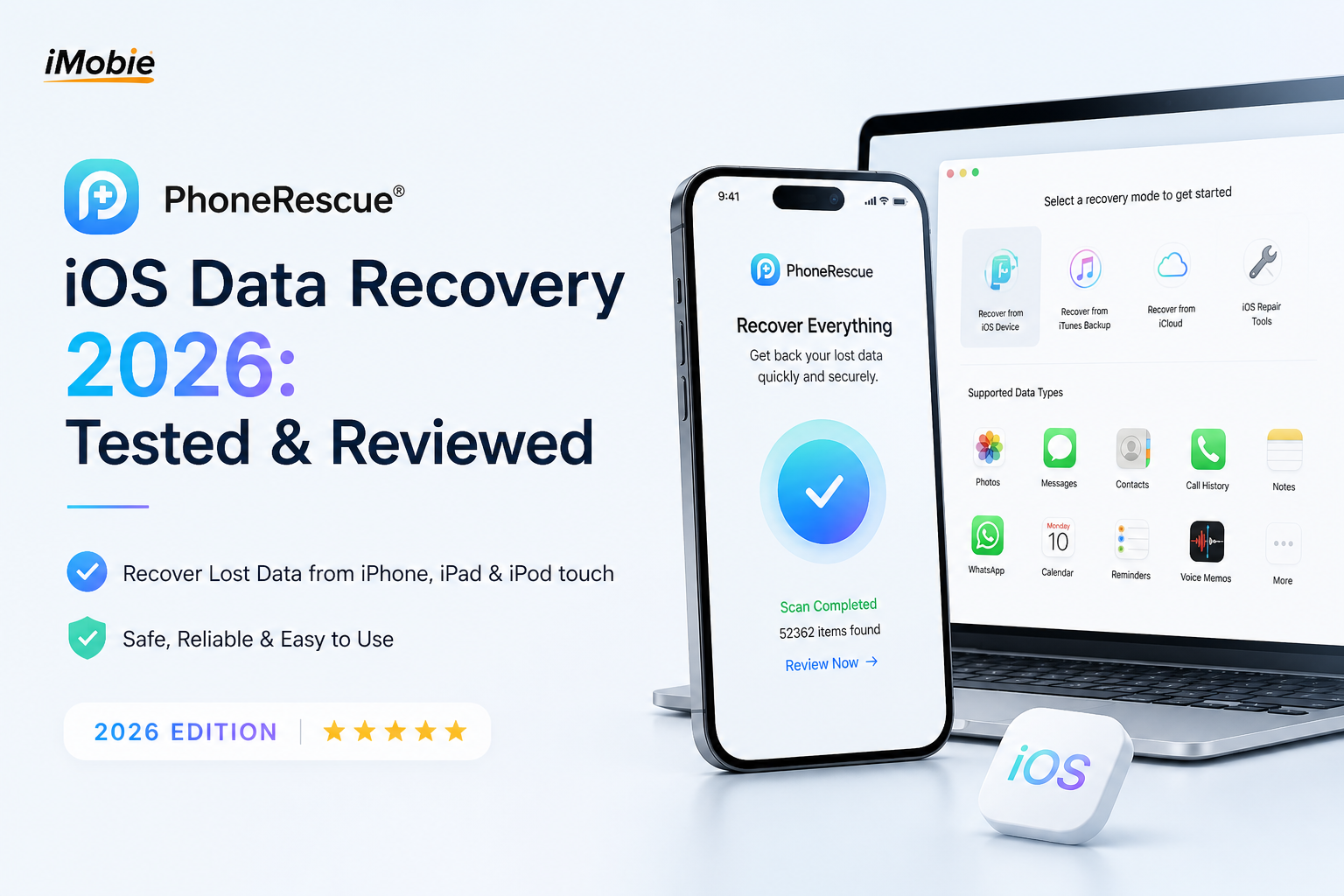
PhoneRescue for iOS at a Glance
4.8/10PhoneRescue is a Windows plus Mac desktop app for browsing iPhone data, extracting backups, attempting deleted-record recovery, plus addressing a few iOS system problems.
Best forWindows users who need to inspect a local iPhone backup before paying for export
- Connected iPhone scanning
- Finder or iTunes backup extraction
- Photo, message, contact, note, plus app-data previews
- Selective computer export
- Basic iOS repair tools
- Runs on Windows plus macOS
- Simple category-based browser
- Supports many iOS record types
- Weak recovery in our deleted-file set
- Automatic annual renewal
- Results include plenty of existing data
PhoneRescue for iOS Recovery Results by Category
01 Deleted Data Recovery
Too many results were existing records or unusable remnants
3.8/10
Deleted Data Recovery
Too many results were existing records or unusable remnants
We tested a recently backed-up iPhone using deleted photos, a note, a contact, a voice memo, plus a calendar entry. PhoneRescue located the contact plus note, though the photo, recording, calendar item, plus other deleted material never returned as usable files. It also surfaced a large amount of content that was still present on the phone.
The main problem is not that recovery failed in every case. No recovery app can promise that. The problem is how hard it was to separate genuinely deleted records from ordinary backup content. A populated results screen looked more successful than the final export actually was.
- Recovered a deleted contact in our test
- Found a deleted note with readable text
- Lets you inspect results before paying
- Missed several deliberately deleted file types
- Existing phone data crowded the results
- A found entry may still be incomplete
02 Backup Access
Useful for opening local backups without restoring the whole phone
6.8/10
Backup Access
Useful for opening local backups without restoring the whole phone
PhoneRescue works better as a selective backup reader than as a last-chance undelete tool. It can examine a connected device, local Finder or iTunes backups, plus supported cloud content. That is handy when you need one conversation or attachment but do not want to overwrite the current phone with a full Apple restore.
Encrypted backups require the correct password. Cloud access also adds extra sign-in steps, download time, plus privacy considerations. In practice, a recent local encrypted backup produced the most complete set of records.
- Extracts selected records from local backups
- Avoids a full-device restore
- Organizes common iOS data into categories
- Cloud scans can take a long time
- Encrypted backups need the original password
- Backup extraction is not the same as raw deleted-file recovery
03 Preview Workflow
Approachable screens with some misleading clutter
6.4/10
Preview Workflow
Approachable screens with some misleading clutter
The app walks through connection, scan selection, preview, plus export without burying the controls. Photos use thumbnails while messages appear in a readable conversation-style view. Filters for deleted content help, though they did not remove every current or duplicated record in our run.
Preview quality varies by category. Text records are easy to verify. A thumbnail, filename, or database entry offers less certainty for media because the underlying file may be missing or damaged. Check the full preview whenever PhoneRescue allows it.
- Straightforward category sidebar
- Readable message previews
- Selective export keeps the job manageable
- Results can include duplicates
- Deleted-only filtering was inconsistent
- Some entries look healthier than the exported file
04 Device Compatibility
Broad iOS reach plus native Windows access
7.2/10
Device Compatibility
Broad iOS reach plus native Windows access
PhoneRescue runs on both Windows plus macOS, which matters if an iPhone owner has no Mac. It handles iPhones, iPads, iPod touch models, local backups, plus common categories such as messages, contacts, photos, videos, notes, call history, plus app records.
This is the clearest advantage over Disk Drill for iPhone work. Disk Drill's current iOS recovery module is Mac-only. PhoneRescue is therefore easier to try from a Windows PC, even though its actual recovery results remain the bigger concern.
- Available for Windows plus macOS
- Covers many iPhone data categories
- Can inspect connected devices or saved backups
- Feature availability varies by iOS version
- Some records require an encrypted backup
- Physical damage still needs professional service
05 Cost and Licensing
A low first-year price tied to automatic renewal
4.3/10
Cost and Licensing
A low first-year price tied to automatic renewal
The free download scans plus previews results, but meaningful export requires payment. At the time checked, iMobie displayed $49.99 for a one-year iOS subscription, excluding sales tax. The plan renews automatically unless canceled.
That is cheaper than one year of Disk Drill PRO. Still, PhoneRescue lacks Disk Drill's $149 lifetime option, cross-platform desktop recovery tools, byte-to-byte imaging, plus broader support for drives or memory cards. PhoneRescue offers less long-term utility once the immediate iPhone job is over.
- Free scanning before checkout
- First-year offer costs less than Disk Drill PRO
- License covers unlimited iOS devices
- Recovery requires the paid edition
- Annual plan renews automatically
- No lifetime iOS license shown on the current store page
How We Tested PhoneRescue for iOS Recovery
We used PhoneRescue on a Mac with an iPhone test set containing photos, contacts, notes, a calendar event, plus a voice memo. Each item was backed up, deleted, then checked through device scanning plus local backup analysis. We judged whether the app distinguished deleted records, showed a meaningful preview, exported a usable file, plus explained any limitation before checkout.
Compatibility plus pricing were checked again on August 28, 2026. Recovery scores weigh usable exports more heavily than the number of entries shown after a scan.
When PhoneRescue Is the Wrong Tool for iPhone Data Loss
Skip PhoneRescue if the phone has serious physical damage, will not power on, or cannot establish a trusted computer connection. Consumer software cannot repair failed storage chips. A specialist may need to stabilize the device before attempting extraction.
It is also a poor fit when you expect direct access to permanently erased flash-storage blocks. Modern iPhone encryption plus storage cleanup make that kind of recovery extremely limited. First check Recently Deleted, iCloud, Finder backups, old Macs, shared albums, message attachments, plus the recipient's copy.
How PhoneRescue for iOS Scored in Our 2026 Tests
| Category | Performance | Score |
|---|---|---|
| 01 Deleted Data Recovery | 3.8/10 | |
| 02 Backup Access | 6.8/10 | |
| 03 Preview Workflow | 6.4/10 | |
| 04 Device Compatibility | 7.2/10 | |
| 05 Cost and Licensing | 4.3/10 |
PhoneRescue vs Disk Drill for iPhone Recovery
We compared both apps using local iPhone backup records, deleted test items, preview checks, export steps, plus their current US license terms. Disk Drill's iPhone module requires a Mac, while PhoneRescue also runs on Windows.
| Metric | PhoneRescue | Disk Drill |
|---|---|---|
| Deleted-Record Identification | Mixed with considerable existing content | Cleaner category browsing plus stronger previews |
| iPhone Recovery on Windows | Supported | Not supported |
| Local Backup Extraction | Selective extraction from local backups | Selective extraction with flexible filters |
| Other Storage Devices | Focused on phones plus mobile backups | Drives, SD cards, USB media, disk images, iOS backups |
| Failing-Media Imaging | No general byte-to-byte disk imaging | Byte-to-byte backup tool included |
| Free Evaluation | Scan plus limited preview | Unlimited file preview on Mac |
| Pricing and License Choice | $49.99 yearly offer, auto-renewing | $89 yearly or $149 lifetime |
| Overall Score | 4.8 / 10 | 8.7 / 10 |
Use Disk Drill Instead of PhoneRescue on a Mac
Disk Drill gives the recovery purchase a life beyond one iPhone emergency. Start with its free scan, inspect the actual previews, then pay only if the missing records appear intact.
01 Disk Drill
A broader recovery toolkit with more convincing previews
8.7/10
Disk Drill
A broader recovery toolkit with more convincing previews
Disk Drill is the better choice for Mac users recovering iPhone data from a connected device or local backup. It creates or reads an iOS backup, sorts records by type, lets you preview recoverable content, then exports selected items without restoring the entire phone.
Its value goes beyond iPhones. The same license handles Mac plus Windows computers, external drives, SD cards, USB devices, plus disk images. Byte-to-byte backups are particularly useful when storage hardware may be unstable. The main catch is simple: iPhone recovery itself is not available in the Windows edition.
- Clear unlimited previews on Mac
- Recovers from iPhones plus many storage devices
- Includes byte-to-byte backup creation
- One license covers Mac plus Windows
- Lifetime license option avoids yearly renewal
- iPhone recovery requires macOS
- Mac free edition is mainly for scanning plus preview
- Paid purchases generally have restrictive refund terms

What PhoneRescue Users Reported Online
A user said PhoneRescue recovered many deleted iPhone messages, though installation caused trouble before support helped resolve it.
An Apple Community contributor cautioned that PhoneRescue reads available backup content, so it cannot restore records that were never stored in that backup.
A Reddit poster alleged password-security problems after installing PhoneRescue. The timing alone does not prove that the software caused the reported compromise.
A forum user reported buying PhoneRescue but being unable to activate it, highlighting the extra risk of paying during an urgent recovery job.
Should You Buy PhoneRescue for iOS in 2026?
PhoneRescue for iOS is not recommended for Mac users who need the best chance of locating deleted iPhone records. Its backup browser is easy enough to use, though our recovery set produced too few usable deleted items while the annual renewal limits long-term value. Windows users may still consider its free scan, but Mac users should try Disk Drill first for stronger previews plus a far broader recovery toolkit.
Preview the complete photo, message, recording, or attachment before buying. A filename by itself does not show that the underlying data survived.