CleanMyPhone App Review 2026: Pros, Cons and Alternatives
CleanMyPhone can sort photos, compress videos, plus merge contacts. The trouble is that its restricted free mode feels hard to justify beside a capable free alternative.
CleanMyPhone does several jobs reasonably well, especially photo grouping, video compression, plus on-device processing. Still, its limited free access plus $7.99 monthly price make Clever Cleaner a more sensible first choice for routine photo cleanup.
AI-selected cleanup groups still need careful manual review, since a technically weak photo may be personally irreplaceable.
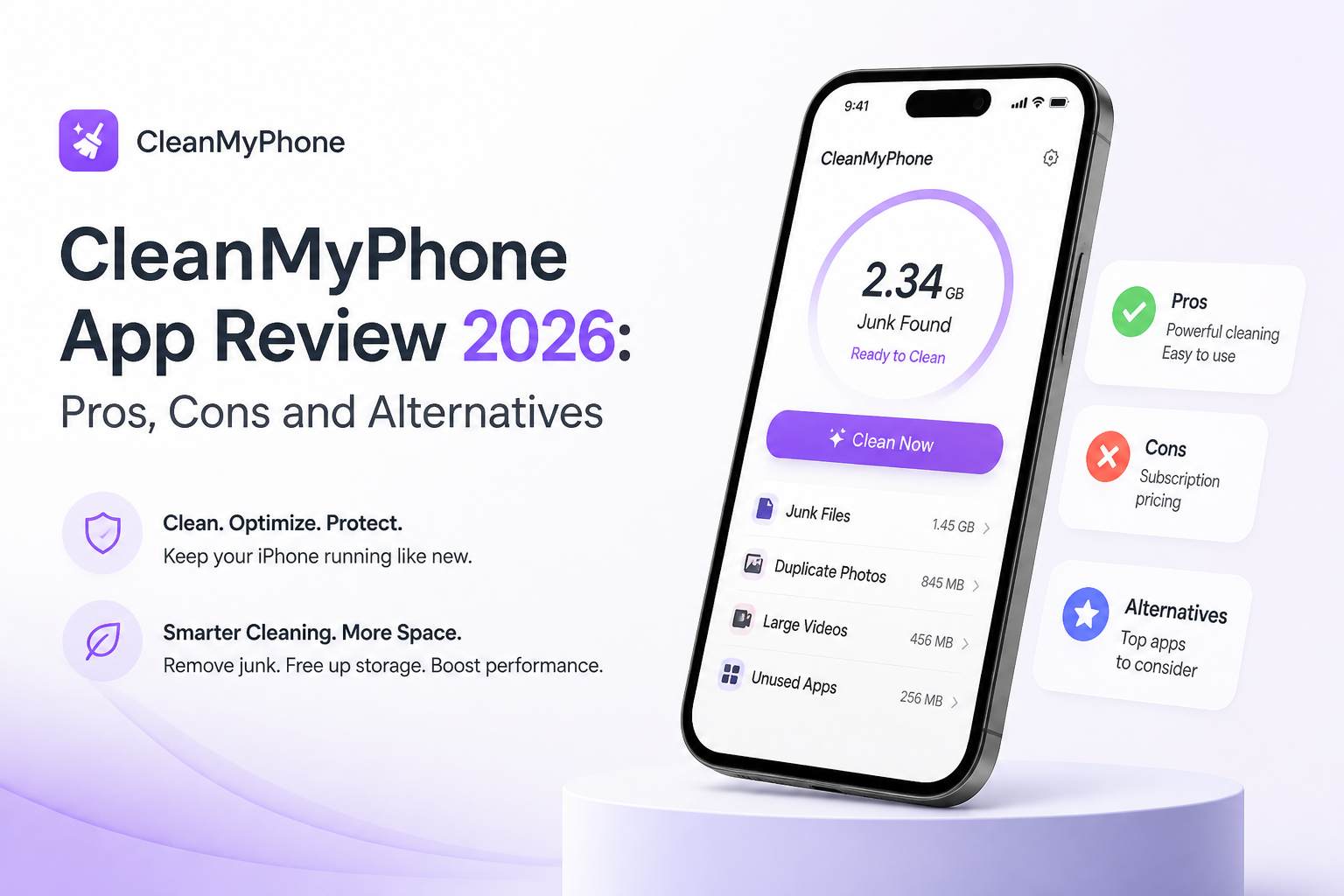
CleanMyPhone at a Glance
5.4/10CleanMyPhone is an iPhone storage utility from MacPaw. It sorts photo clutter, compresses media, organizes library categories, plus merges similar contacts.
Best forPeople who want photo organization plus contact cleanup in one paid iPhone app
- Duplicate plus similar-photo grouping
- Large-video detection
- Video compression
- Live Photo conversion
- Similar-contact merging
- Strong privacy approach
- Broad photo organization
- Useful video tools
- Restrictive free mode
- Recurring premium fee
- Busy interface
How CleanMyPhone Was Evaluated Against Clever Cleaner
We compared current US versions using the same review criteria: access to similar photos, duplicate handling, large-video discovery, screenshot sorting, compression choices, deletion safeguards, privacy disclosures, plus pricing. Extra points went to tools that remained useful without starting a paid trial.
We also checked official support pages, current US App Store listings, privacy information, version requirements, plus real user feedback. Scores reflect practical cleanup value rather than the sheer number of menu items.
When CleanMyPhone Is the Wrong iPhone Cleaner
Avoid CleanMyPhone if you only need to remove duplicate photos, sort screenshots, or find oversized videos once every few months. Paying every month for occasional cleanup rarely makes sense.
It is also a poor match if you want an app to clear system caches, uninstall other apps, or erase browser data. iOS restricts third-party cleaners from performing those system-level tasks, so use Settings, Safari controls, plus Apple's iPhone Storage page instead.
CleanMyPhone Review Scores Across Five iPhone Cleanup Categories
| Category | Performance | Score |
|---|---|---|
| 01 Photo Detection | 6.6/10 | |
| 02 Cleanup Workflow | 4.9/10 | |
| 03 On-Device Privacy | 8.4/10 | |
| 04 Storage Tools | 6.3/10 | |
| 05 Cost of Continued Use | 3.1/10 |
CleanMyPhone Photo Cleanup Features, Costs, Plus Limitations
01 Photo Detection
Helpful groups still require human judgment
6.6/10
Photo Detection
Helpful groups still require human judgment
CleanMyPhone identifies duplicate or similar images, blurred shots, screenshots, plus large videos. The resulting groups reduce scrolling, which helps when a camera roll has grown into the thousands.
The weak spot is context. A soft photo of a pet, child, receipt, or old relative may matter more than the sharper image selected by software. Every suggested deletion deserves a visual check, so the app never becomes a truly automatic fix.
- Groups duplicate plus similar photos
- Surfaces blurred images for review
- Separates screenshots from regular photos
- Marks important media as sensitive
- Best-shot choices can miss personal context
- Large similarity groups become tedious to inspect
- Automation does not remove the need for manual review
02 Cleanup Workflow
Good-looking screens with too many side features
4.9/10
Cleanup Workflow
Good-looking screens with too many side features
The interface is visually tidy at first, though the experience spreads cleanup across Declutter, Organize, Health, security checks, storage analytics, plus a speed test. Some of those extras are interesting for a minute, but they distract from the basic job of clearing a photo library.
Selecting media takes more attention than expected. A former Gemini Photos subscriber also described the newer interface as bloated, slow, plus laggy in an App Store review. Clever Cleaner feels more direct if the goal is simply to swipe through media or review grouped duplicates.
- Modern visual design
- Deletion choices remain visible before confirmation
- Sensitive folder can exclude personal media
- Too many unrelated screens
- Large cleanup sessions feel repetitive
- Some user reports mention lag or unfinished scans
03 On-Device Privacy
The clearest reason to consider CleanMyPhone
8.4/10
On-Device Privacy
The clearest reason to consider CleanMyPhone
CleanMyPhone processes the photo library on the device, according to MacPaw. The company says pictures are not uploaded or saved by the app. That is the right approach for software with broad photo access.
Deleted media moves through Apple's Recently Deleted album, leaving a recovery window before permanent removal. Even with that safeguard, users should inspect each batch before emptying the album.
- Photo processing stays on the device
- Sensitive media can be excluded from scans
- Deleted photos remain temporarily recoverable
- No account is needed for basic installation
- Full photo permission is needed for a complete scan
- Contact cleanup requires access to another personal dataset
04 Storage Tools
A broad toolbox with uneven day-to-day value
6.3/10
Storage Tools
A broad toolbox with uneven day-to-day value
Beyond similar-photo detection, CleanMyPhone can find large videos, compress media, convert Live Photos into still images, merge similar contacts, plus show storage analytics. These tools can reclaim meaningful space when videos dominate the library.
Not every feature belongs in a cleaner. Network testing, health scores, plus general maintenance tips pad the app without removing much storage. Clever Cleaner keeps its attention on photos, videos, screenshots, compression, plus manual swiping.
- Sorts large videos for faster decisions
- Compresses videos without requiring deletion
- Converts Live Photos into smaller still images
- Includes duplicate-contact merging
- Health scores do not directly clear storage
- Network testing feels unrelated
- Contact merging saves little device space
05 Cost of Continued Use
The subscription is the hardest part to defend
3.1/10
Cost of Continued Use
The subscription is the hardest part to defend
CleanMyPhone is free to install, though free use is restricted mainly to Largest Videos, Screenshots, plus the Other section in Organize. Full access is offered through a three-day trial before a paid plan renews.
US App Store pricing lists $7.99 per month or $36.99 per year. That may suit someone who regularly uses contact merging plus the broader organization tools. For ordinary photo cleanup, Clever Cleaner's usable free allowance makes the subscription tough to recommend.
- Three-day trial opens all features
- Annual billing costs less than paying monthly for a year
- Free mode can inspect selected media categories
- Free access excludes major cleanup categories
- Monthly billing reaches $95.88 over twelve months
- Renewal requires timely trial cancellation
CleanMyPhone vs Clever Cleaner: Head-to-Head iPhone Cleanup Comparison
Both apps were judged on the cleanup tasks that matter most: reviewing similar photos, locating large media, controlling deletions, protecting private media, plus avoiding unnecessary cost.
| Metric | CleanMyPhone | Clever Cleaner |
|---|---|---|
| Useful Free Access | Selected categories only | Daily free allowance plus unlimited Swipe |
| Manual Swipe Cleanup | Basic selection workflow | Dedicated unlimited Swipe mode |
| Similar Photo Grouping | Good grouping with AI suggestions | Good grouping with Best Shot marking |
| Media Compression | Videos plus Live Photo conversion | Photos, videos, screenshots, plus Live Photos |
| Extra Organization Tools | Contact merging plus category organization | Focused mainly on photo-library cleanup |
| On-Device Processing | Yes | Yes |
| Pricing Options | $7.99 monthly or $36.99 yearly | $0 free tier, $6.99 weekly, or $39.99 lifetime |
| Overall Score | 5.4 / 10 | 8.7 / 10 |
Use Clever Cleaner Instead of CleanMyPhone
Clever Cleaner provides the core photo-storage tools without making a paid plan the starting point. It is the better fit for regular cleanup, especially if you prefer reviewing photos by hand.
01 Clever Cleaner
The easier recommendation for routine iPhone cleanup
8.7/10
Clever Cleaner
The easier recommendation for routine iPhone cleanup
Clever Cleaner covers the practical storage jobs most people need. It groups similar photos, finds large videos, collects screenshots, compresses several media types, converts Live Photos, plus offers a manual Swipe mode.
The free tier has daily limits on some tools, though Swipe remains unlimited. There are no ads, with processing completed locally. Premium exists for heavier use, yet routine cleanup does not immediately force a subscription.
- Usable $0 tier with generous daily limits
- Unlimited manual Swipe mode
- Local photo processing
- No advertising inside the app
- One-time lifetime purchase available
- Free automated tools have daily limits
- No contact-merging feature
- AI-selected Best Shots still need review

What CleanMyPhone Users Report
A former Gemini Photos subscriber said CleanMyPhone felt more bloated, slower, plus less intuitive than the older app. The reviewer also reported lag during selection plus a scan that repeatedly restarted.
One App Store reviewer objected to downloading the app as free, then finding that the features they wanted required a trial or paid access.
A Reddit participant described CleanMyPhone as visually attractive, though not useful enough for their needs.
Another Reddit contributor warned that AI can help identify obvious blur, though personal judgment remains essential when choosing which meaningful photo to keep.
Should You Pay for CleanMyPhone in 2026?
CleanMyPhone is not a bad piece of software, but its value is weak beside cheaper or more usable free choices. It suits someone who specifically wants MacPaw's photo organization, contact merging, plus device-status extras in one place. Most people should skip the subscription, install Clever Cleaner first, then use Apple's built-in iPhone Storage screen for app management.
Start with one small month of photos, inspect every suggested deletion, then leave Recently Deleted untouched until you are certain nothing important was removed.