Clever Cleaner App Review 2026: Best iPhone CleanUp
Clever Cleaner tackles the parts of iPhone storage cleanup that third-party apps can realistically fix. Its photo grouping, large-video view, compression tools, plus no-limit Swipe mode make a messy library easier to sort.
Clever Cleaner is our favorite iPhone cleanup app for photo-heavy storage. It groups similar shots, surfaces large videos, compresses media, plus offers an unlimited manual Swipe mode. The free tier has daily limits, though it remains useful without a subscription.
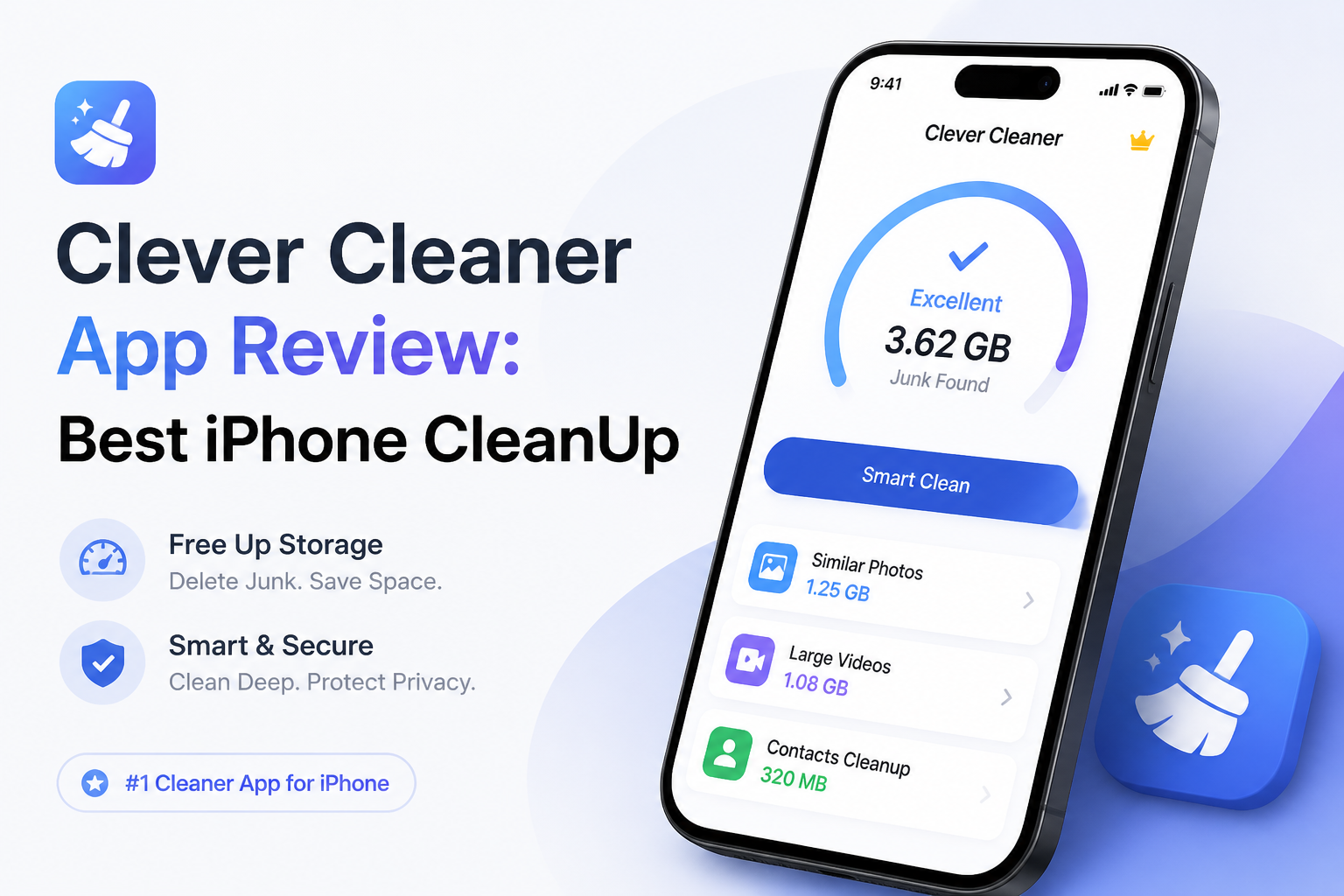
Clever Cleaner at a Glance
9.1/10Clever Cleaner is an iPhone storage app focused on photos plus videos. It finds similar images, large media, screenshots, or Live Photos that can be deleted or compressed.
Best foriPhone owners whose camera roll consumes most of their available storage
- Similar-photo grouping with Best Shot
- Large-video sorting by file size
- Media compression
- Unlimited manual Swipe mode
- Smart Cleanup for combined tasks
- Useful free tier
- Local media analysis
- Strong photo-focused toolset
- AI picks require review
- No cache or app cleanup
- Weekly plan is costly
Clever Cleaner Photo Cleanup Features in Detail
01 Photo Grouping Accuracy
Good first-pass sorting with human review still required
9.2/10
Photo Grouping Accuracy
Good first-pass sorting with human review still required
Clever Cleaner scans the photo library for exact duplicates plus visually similar shots, then places likely matches into small groups. Its Best Shot choice gives you a reasonable starting point instead of forcing you to compare every burst manually.
The grouping is more valuable than the automatic pick. Portraits, repeated screenshots, plus near-identical vacation shots were easy to inspect as sets. Pet photos, intentional edits, or emotionally important blurry shots still need a careful look before deletion.
- Groups exact duplicates plus similar photos
- Marks a suggested Best Shot
- Makes burst-photo review less tedious
- Skip List protects selected media
- Best Shot can misunderstand personal preferences
- Large libraries still require patient review

02 Storage Cleanup Tools
Several practical ways to reclaim photo-library space
9.4/10
Storage Cleanup Tools
Several practical ways to reclaim photo-library space
The app covers the camera-roll clutter that usually makes the biggest difference: similar photos, screenshots, Live Photos, plus large videos. Heavies sorts videos by file size, which is useful when one forgotten recording occupies more space than hundreds of still images.
Compression offers a middle ground when you do not want to delete a file. Smart Cleanup can combine several actions, while Swipe mode lets you make each decision yourself. Swipe has no daily usage limit, so the free version remains practical for gradual cleanup.
- Finds large videos quickly
- Compresses photos, videos, screenshots, plus Live Photos
- Unlimited manual Swipe mode
- Smart Cleanup combines common tasks
- Deleted media remains in Photos Recently Deleted
- Cannot clear iOS system caches
- Does not remove apps or browser data
03 Everyday Usability
Simple categories keep cleanup sessions manageable
9.1/10
Everyday Usability
Simple categories keep cleanup sessions manageable
Clever Cleaner avoids stuffing unrelated utilities into the home screen. The main sections use plain labels for similar photos, large media, screenshots, Live Photos, plus swiping. File-size details help you focus on items that will produce a noticeable storage gain.
The app works best in short sessions. Reviewing a few months at a time feels safer than approving one enormous batch. Initial analysis can take longer on an iCloud-heavy library, especially if original files are not stored locally.
- Clean layout with focused categories
- File sizes support better deletion choices
- Manual selection stays available
- Works well for five-minute cleanup sessions
- Initial scan time depends on library size
- Cloud-only media may take time to load
04 Privacy Controls
Local media processing reduces unnecessary exposure
9.0/10
Privacy Controls
Local media processing reduces unnecessary exposure
Photo analysis happens locally on the iPhone, according to the current App Store listing. That matters because the app needs broad photo-library access to identify similar images or large files. Your media is not uploaded for the core scan.
Deletion also has a useful safety buffer. Removed items move to the Photos app's Recently Deleted album rather than disappearing instantly. Still, check that album before emptying it, since automatic similarity detection cannot understand why a specific picture matters to you.
- Media analysis runs on the device
- No account required for basic use
- Skip List protects chosen files
- Recently Deleted offers a recovery window
- Full photo access is needed for a complete scan
- Usage plus diagnostic data may be collected
05 Free Access & Premium Cost
Useful without payment, though unlimited automation costs extra
8.8/10
Free Access & Premium Cost
Useful without payment, though unlimited automation costs extra
Clever Cleaner costs $0 to download. The current version provides daily free limits for automated cleanup tools, no-limit Swipe mode, plus no advertising. That is enough for regular maintenance or a slow cleanup of an old library.
Premium removes the daily caps. The US App Store lists a $6.99 weekly plan with a three-day trial plus a $39.99 lifetime purchase. The lifetime option makes more sense than keeping a weekly subscription for several months.
- Functional $0 tier
- No-limit Swipe mode
- No ads during cleanup
- Lifetime license is available
- $6.99 per week becomes expensive quickly
- Automated tools have daily free limits
How We Tested Clever Cleaner for iPhone Photo Cleanup
We reviewed the current US App Store build against the jobs an iPhone cleaner can actually perform. Checks covered similar-photo grouping, Best Shot suggestions, large-video sorting, screenshot review, Live Photo conversion, compression, Swipe mode, deletion safeguards, plus free-tier restrictions.
Scores favored useful storage savings, clear review controls, privacy, transparent pricing, plus low risk of accidental deletion. We did not award points for cache cleaning or battery optimization claims because third-party iOS apps cannot provide broad system cleaning.
When Clever Cleaner Is Not the Right iPhone Cleanup Tool
Do not install Clever Cleaner expecting it to erase Safari history, purge every app cache, remove malware, or manage hidden iOS system files. Use Settings for browser data, app offloading, software updates, plus iPhone Storage recommendations.
It is also a poor fit if you never want to grant photo-library access to a third-party app. In that case, use the Duplicates album inside Apple Photos, then sort videos or screenshots manually.
Clever Cleaner for iPhone: How It Scored in Our Review
| Category | Performance | Score |
|---|---|---|
| 01 Photo Grouping Accuracy | 9.2/10 | |
| 02 Storage Cleanup Tools | 9.4/10 | |
| 03 Everyday Usability | 9.1/10 | |
| 04 Privacy Controls | 9.0/10 | |
| 05 Free Access & Premium Cost | 8.8/10 |
What Clever Cleaner Users Say
One App Store reviewer said the grouped-photo view made it easier to stay focused. They reported clearing almost 5 GB over roughly 40 minutes of use.
A Reddit comparison ranked Clever Cleaner first among tested iPhone cleaner apps, praising its quick scans plus manual Swipe mode. The writer warned that Best Shot can occasionally choose an odd image.
A user liked the speed plus similar-photo cleanup but felt Best Shot needed better judgment for pet pictures.
Another Reddit user said the app helped with a library exceeding 40,000 photos. Some iCloud items displayed as unavailable, which made parts of the library harder to review.
Should You Get Clever Cleaner for iPhone?
Clever Cleaner is a strong choice for iPhone owners buried under similar pictures, old screenshots, Live Photos, or oversized videos. Its focused layout plus useful free access make it easier to recommend than cleaners built around a weekly paywall. Skip it if your main goal is clearing app caches, uninstalling software, or managing contacts, since iOS limits what a photo cleaner can do.
Start with screenshots plus large videos, then review similar-photo groups manually before emptying the Recently Deleted album.