Best Free AI Detectors: Where Clever AI Detector Stands
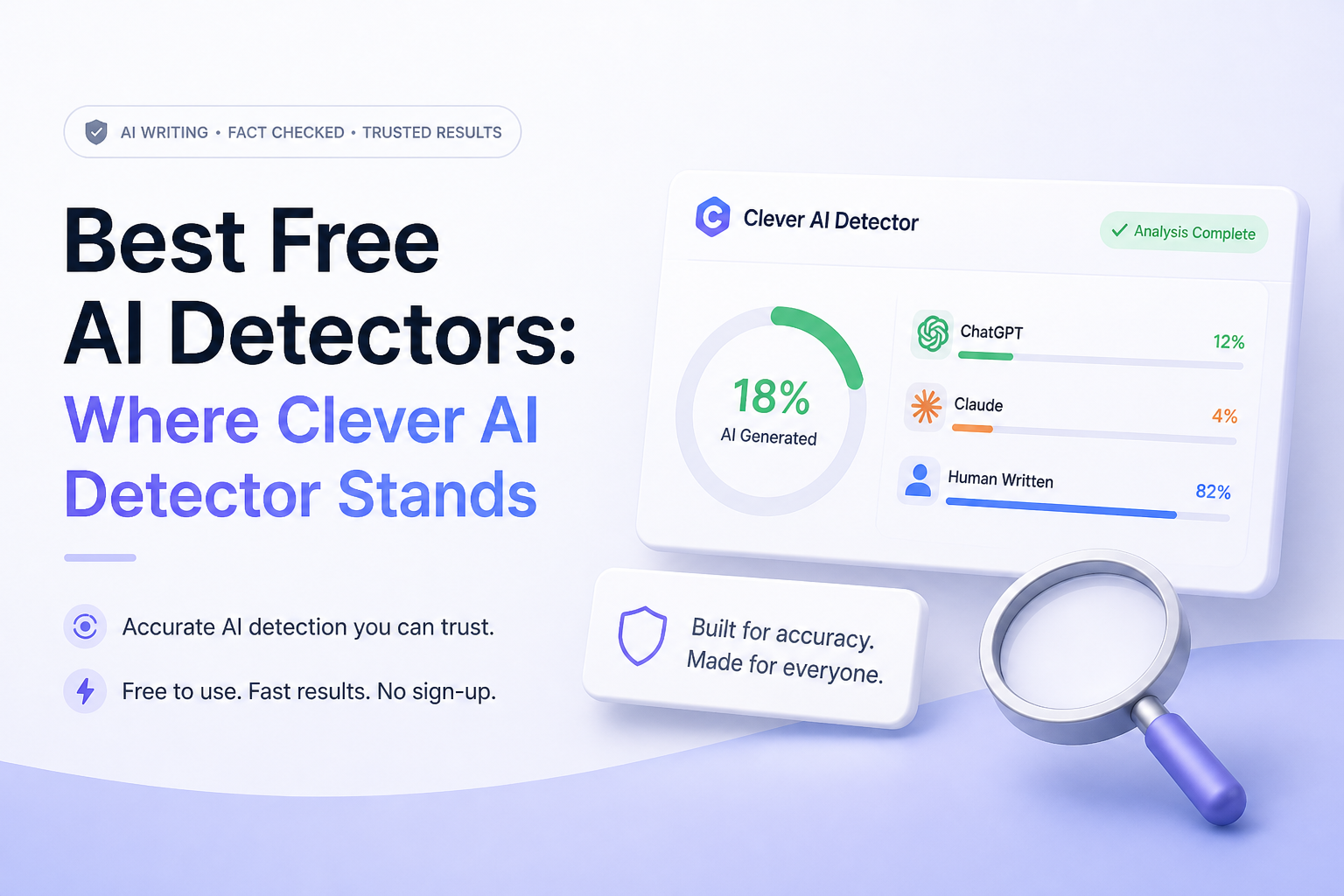
Clever AI Detector stands out for its large free scans plus sentence-level evidence. The runners-up make more sense for classrooms, multilingual checks, or built-in editing.
Clever AI Detector
9.2/10Best for: Writers, editors, or teachers who need long free scans without rationing daily checks
- Up to 10,000 words in one free check
- Unlimited runs with no required account
- Sentence-level signals included for free
- Confidence cues make uncertain results easier to spot
GPTZero
8.8/10Best for: Educators who want a familiar detector with advanced scans, reports, plus school-focused integrations
- Strong set of education-focused review tools
- Free monthly allowance suits occasional papers
- Advanced scan option adds more context
- Browser plus document-workflow integrations
QuillBot AI Detector
8.5/10Best for: Students or writers who want flagged passages explained beside familiar rewriting tools
- Sentence-level highlighting on free scans
- Explainer cards add context to flagged text
- Supports multiple languages
- Easy access to related writing tools
Best Free AI Detectors Compared
This table compares the free text allowance, sentence-level feedback, price, plus overall editorial score for each detector. Scores reflect usability, free-plan generosity, report clarity, plus practical fit. They are editorial judgments rather than laboratory accuracy measurements.
| Tool | Free Text Allowance | Sentence Signals | Price | Score |
|---|---|---|---|---|
| 1.Clever AI Detector PICK | 10,000 words/check | ● Yes | Free | 9.2/10 |
| 2.GPTZero | 10,000 words/month | ● Yes | Free | 8.8/10 |
| 3.QuillBot AI Detector | 1,200 words/check | ● Yes | Free | 8.5/10 |
| 4.Scribbr AI Detector | 1,200 words/check | ● Yes | Free | 8.3/10 |
| 5.Grammarly AI Detector | Basic public scan | ● No | Free | 7.9/10 |
The 5 Best Free AI Detectors, Reviewed
01 Clever AI Detector
Web app / CleverFiles
9.2/10
Clever AI Detector
Web app / CleverFiles
Clever takes the top spot because its free allowance is unusually practical. A single check can contain up to 10,000 words, runs are unlimited, plus no account is required. The report includes an overall probability, confidence indicators, plus sentence-level signals rather than stopping at one unexplained percentage. (cleverhumanizer.ai)
That makes it useful for a full article, a long student paper, or several chapters pasted together. The tradeoff is language coverage. Clever currently lists English only, while some rivals support several languages. Its own site also says the result is probability rather than proof, which is the right warning for this entire category. (cleverhumanizer.ai)
Best forWriters, editors, or teachers who need long free scans without rationing daily checks
- Up to 10,000 words in one free check
- Unlimited runs with no required account
- Sentence-level signals included for free
- Confidence cues make uncertain results easier to spot
- Optional account saves previous checks
- English-only detection at the time reviewed
- 80-word minimum is awkward for short captions or emails
- A detector result still cannot establish authorship
02 GPTZero
Web app / GPTZero
8.8/10
GPTZero
Web app / GPTZero
GPTZero is the more mature classroom choice here. Beyond a basic AI score, its product set includes advanced scans, authorship verification, a Chrome extension, Google Docs support, plus Canvas integration. Those extras matter if detection is part of a review process rather than a one-off curiosity. (gptzero.me)
The free plan has been listed with 10,000 words per month, three advanced scans, plus limited highlighting uses. That is enough for occasional papers, though the monthly meter feels restrictive next to Clever's unlimited checks. Paid plans make more sense for frequent or institutional use. (cleverhumanizer.ai)
Best forEducators who want a familiar detector with advanced scans, reports, plus school-focused integrations
- Strong set of education-focused review tools
- Free monthly allowance suits occasional papers
- Advanced scan option adds more context
- Browser plus document-workflow integrations
- Paid tiers support larger workloads
- Free usage resets through a monthly allowance
- Many useful workflow features sit on paid plans
- More interface than a casual checker may need
03 QuillBot AI Detector
Web app / QuillBot
8.5/10
QuillBot AI Detector
Web app / QuillBot
QuillBot does more than display a percentage. Its free report includes sentence-level highlights plus limited explainer cards, which can help a writer see what patterns caused the flag. The current free allowance is 1,200 words per scan, capped at six scans daily. (quillbot.com)
The detector fits neatly beside QuillBot's grammar, paraphrasing, plus rewriting tools. That convenience can also blur the purpose of a scan. A flagged sentence is not automatically bad writing, so revisions should improve specificity or voice rather than merely chase a lower number.
Best forStudents or writers who want flagged passages explained beside familiar rewriting tools
- Sentence-level highlighting on free scans
- Explainer cards add context to flagged text
- Supports multiple languages
- Easy access to related writing tools
- No payment needed for basic detection
- Free scans stop at 1,200 words
- Daily free usage is limited to six scans
- Full explainers plus unlimited scans require Premium
04 Scribbr AI Detector
Web app / Scribbr
8.3/10
Scribbr AI Detector
Web app / Scribbr
Scribbr keeps the free workflow pleasantly plain. It allows unlimited checks of up to 1,200 words per submission, with no sign-up required. It also states that submitted text is not stored or shared. (scribbr.com)
The free limit is suitable for essays split into sections, though it creates extra work for longer reports. Scribbr's own 2026 comparison placed its free detector among the stronger free options, but even that research stresses that detection results are estimates, not proof of who wrote a document. (scribbr.com)
Best forStudents who need repeat checks on papers of 1,200 words or less without creating an account
- Unlimited free checks
- No account required
- Straightforward interface for student papers
- Supports AI-refined classifications
- Clear privacy statement for submissions
- 1,200-word cap requires splitting long documents
- Premium document scans belong to a wider paid checking product
- Percentages may still misread formal human writing
05 Grammarly AI Detector
Web app plus writing assistant / Grammarly
7.9/10
Grammarly AI Detector
Web app plus writing assistant / Grammarly
Grammarly's public checker accepts pasted text or an uploaded file, then returns a percentage showing how much resembles AI-generated writing. The basic scan is quick, familiar, plus easy to reach for anyone already using Grammarly. (grammarly.com)
The richer experience belongs to paid accounts. Its AI Detector agent can explain flagged phrases, suggest revisions, plus connect with citation or authorship features. For a person who only needs a free detector, Clever, QuillBot, or Scribbr provides more visible report detail without pulling the user into a larger subscription.
Best forWriters already editing in Grammarly who want a quick AI-pattern check inside the same workspace
- Simple paste or file-upload workflow
- Fits into a broader editing environment
- Basic public detector costs nothing
- Paid agent explains flagged phrases
- Authorship tools can provide stronger context than a score alone
- Free scan mainly centers on an overall percentage
- Detailed phrase analysis requires a paid plan
- Poor value if the rest of Grammarly is not needed
How We Compared These Free AI Detectors
We compared the live public tools plus their current product documentation in September 2026. The review focused on free text limits, account requirements, sentence-level feedback, report clarity, file support, language coverage, usage caps, plus paid upgrade costs. A detector received more credit when its free version could handle a realistic essay or article without hiding the useful part of the report.
We did not turn one small text set into a fake accuracy percentage. Detector performance changes with the model, subject, editing level, language, plus passage length. The overall scores here judge the product experience plus how responsibly each tool communicates uncertainty.
How to Choose a Free AI Detector for Real Writing
Start with document length. A 1,200-word ceiling is fine for a short essay, though it becomes annoying with a 4,000-word report because splitting text can change context. Next, look for sentence-level evidence. One overall percentage gives you little to investigate, while highlighted passages show where the model noticed predictable wording or uniform rhythm.
Also check the minimum length, supported languages, privacy terms, plus whether an account is required. Teachers need repeatable reports or authorship evidence. Editors may care more about long scans. A student checking one draft probably needs a clear free result without a complicated dashboard.
Common Mistakes to Avoid With Free AI Detectors
The biggest mistake is treating 80% AI as a factual statement about authorship. It is a model's estimate based on writing patterns. Polished definitions, corporate copy, legal phrasing, formulaic assignments, plus non-native English prose may look unusually predictable even when a person wrote every word.
A second mistake is rewriting clean prose solely to lower a detector score. Adding errors, slang, or awkward sentence changes can fool a classifier while making the document worse. Keep drafts, research notes, citations, tracked changes, plus version history. That evidence says far more about how a document was produced.
Which Free AI Detector Should You Use?
Clever AI Detector earns first place because its 10,000-word checks, unlimited runs, confidence cues, plus sentence signals solve the main frustrations found in free detectors. It gives a casual user enough room to examine a real document rather than a tiny excerpt.
GPTZero is a smarter choice for education workflows. QuillBot works well for guided revision, Scribbr keeps anonymous checks simple, while Grammarly makes sense if you already pay for its writing suite. Whichever tool you choose, treat the number as a reason to look closer, not a verdict.
Run the complete document through two detectors, compare the passages they flag, then inspect drafts plus source history before drawing a conclusion.