Disk Drill Review: Does It Work After Emptying the Trash or Recycle Bin?
Disk Drill can recover files after the Trash or Recycle Bin is emptied, but the storage device matters more than the app. HDD results can be excellent. A TRIM-enabled SSD is a much tougher case.
Yes, Disk Drill can work after you empty the Trash or Recycle Bin. It has the best shot when the deleted files were on an HDD, memory card, or USB drive that has seen little use since deletion. Scan first, open the full file preview, then pay only if the files you need look intact.
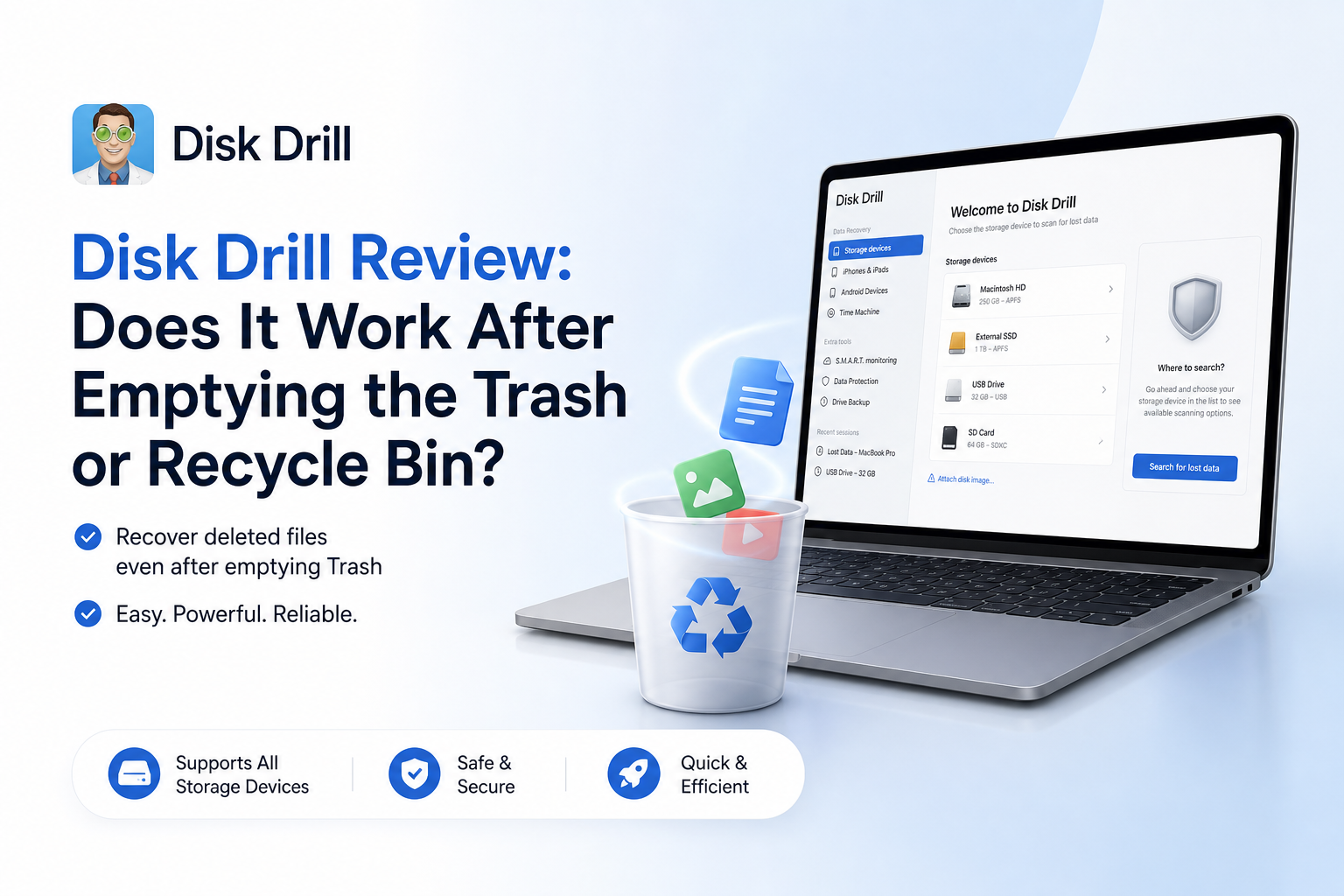
Disk Drill at a Glance
8.6/10Disk Drill is a Windows plus macOS data-recovery app. It scans storage for deleted, formatted, lost, or inaccessible files, including items removed from the Trash or Recycle Bin.
Best forRecent deletions from HDDs, USB drives, or memory cards that have not been used since the loss
- Universal scan for deleted files
- Full-file previews before purchase
- Recovery-chance estimates
- Byte-to-byte drive imaging
- Advanced camera media recovery
- Easy scan-to-recover workflow
- Very good result filtering
- Broad storage support
- SSD TRIM can defeat recovery
- Paid tier is fairly expensive
- Refunds are not based on recovery success
Disk Drill Trash and Recycle Bin Recovery in Detail
01 Deleted File Recovery
Best results come from untouched HDDs or removable media
9.1/10
Deleted File Recovery
Best results come from untouched HDDs or removable media
Emptying the Trash or Recycle Bin usually removes the file-system reference, not every byte of the file at once. Disk Drill scans those unallocated areas for surviving records plus recognizable file signatures. That makes recent deletion from a lightly used HDD, SD card, or USB drive a sensible case for the software.
A 2026 TechRadar test deleted a mixed 22-file folder from an NTFS hard drive, emptied the Recycle Bin, then recovered all 22 files. That is an encouraging controlled result, though it does not promise the same outcome on every drive.
SSD recovery is the large exception. Once TRIM tells an SSD to clear deleted blocks, Disk Drill cannot recreate bytes that the device no longer returns. Stop using the computer immediately, especially if the files were on its internal system drive.
- Recovers files after Trash or Recycle Bin emptying when data survives
- Combines file-system scanning with signature-based carving
- Handles deleted folders plus many common file types
- Searches formatted, RAW, or inaccessible volumes
- Cannot restore overwritten data
- TRIM may make internal SSD deletions unrecoverable very quickly
- Deep scans can lose original filenames or folder paths

02 Preview and File Selection
The free preview is the feature that protects your wallet
9.4/10
Preview and File Selection
The free preview is the feature that protects your wallet
Disk Drill sorts results into pictures, video, audio, documents, archives, plus other groups. Filters for size, date, type, or recovery likelihood make a huge scan less messy. Folder view is useful when metadata survives, while file-type filtering helps after a signature scan has stripped the old directory structure.
Do not treat a filename as proof of recovery. Open the preview, inspect the whole photo, play the video beyond its first few seconds, or page through the document. Disk Drill's own scan troubleshooting guide says a complete preview is the clearest check that all file pieces remain present.
- Free scanning uses the same recovery engine as the paid tier
- Full previews can reveal corruption before purchase
- Useful filters reduce thousands of unrelated results
- Recovery-chance labels offer a quick first pass
- Some formats rely on an external app for previewing
- A thumbnail alone may hide damage deeper in a large file
03 Drive and File-System Coverage
Broad support with one unavoidable SSD catch
8.8/10
Drive and File-System Coverage
Broad support with one unavoidable SSD catch
Disk Drill supports internal or external HDDs, SSDs, SD cards, USB drives, disk images, plus several RAID or virtual-disk scenarios. File-system coverage includes NTFS, FAT variants, exFAT, ReFS, APFS, HFS+, EXT, BTRFS, plus RAW volumes.
The byte-to-byte backup tool is particularly useful for unstable removable media. It creates an image that can be scanned without repeatedly stressing the original device. A clicking HDD, disappearing volume, or drive with rapidly growing bad-sector errors should go to a recovery lab instead of facing more DIY scans.
- Works across Windows plus macOS
- Supports common Microsoft, Apple, or Linux file systems
- Can scan RAW volumes plus disk images
- Byte-to-byte imaging is included
- A drive must still be readable by the operating system for normal software recovery
- Direct scanning is risky when a device has physical damage
04 Recovery Safety
Good safeguards, provided you choose the right drive
8.6/10
Recovery Safety
Good safeguards, provided you choose the right drive
Disk Drill scans in read-only fashion, but installing any recovery app onto the affected disk can overwrite deleted data. Recovering files back to that same disk creates the same risk. Use a separate external drive for the installer, scan data, plus recovered output whenever possible.
For an emptied Recycle Bin on the Windows system drive, the safest practical move is to stop normal PC use. Browsing, updates, temporary files, cloud syncing, or even routine restarts can write into the space that held the deleted files. On a failing drive, make an image first if the hardware remains stable enough.
- Non-destructive scanning workflow
- Byte-to-byte images reduce repeated wear on questionable media
- Preview lowers the chance of paying for unusable files
- Clear destination picker discourages same-drive recovery
- Installing on the source drive can lower recovery odds
- Software is not a substitute for a lab when hardware is failing
- Recovery is not guaranteed, even if old filenames appear
05 Cost and Licensing
Free diagnosis, paid recovery beyond a small Windows allowance
7.2/10
Cost and Licensing
Free diagnosis, paid recovery beyond a small Windows allowance
Disk Drill Basic lets you scan plus preview without paying. Windows users can recover up to 100 MB free, which is enough for a few documents or small photos, not a typical lost folder. Standard deleted-file recovery on macOS is mostly a scan-and-preview trial unless the data was covered by a qualifying protection feature.
As of July 2026, the listed consumer options are $89 per year or $149 for a lifetime license, with activation on up to three devices for one user. The annual plan feels steep for a one-time accident. The lifetime option makes more sense for a household with several drives, though future major-version upgrade terms deserve a close read.
- Free scan reveals whether target files are present
- Windows includes 100 MB of free recovery
- One-user license covers up to three activations
- $89 yearly is expensive for a single recovery job
- Mac does not include the same general 100 MB allowance
- A failed recovery normally does not qualify for a refund
How We Evaluated Disk Drill After Trash or Recycle Bin Deletion
We judged Disk Drill around the actual emptied-bin workflow: source-drive safety, detection of deleted records, deep-scan behavior, preview quality, result filtering, recovery destination controls, plus pricing. We checked the current Windows free limit, consumer license costs, official guidance on overwritten files, plus the July 2026 release information.
We also compared those details with a published Windows 11 test that deleted 22 mixed files from an NTFS hard drive before emptying the Recycle Bin. User reports were treated as individual experiences, not proof that every recovery will succeed or fail.
When Disk Drill Is the Wrong First Move
Do not keep scanning a drive that clicks, vanishes from the system, reports the wrong capacity, or slows to a crawl. Those symptoms can point to physical failure. Repeated power cycles may turn a partly recoverable drive into a dead one.
Disk Drill is also unlikely to help after secure erasure, heavy overwriting, or completed SSD TRIM. If the missing data is legally sensitive, commercially critical, or impossible to replace, disconnect the device plus contact a reputable recovery lab before trying software.
Disk Drill for Deleted Files: How It Scored by Category
| Category | Performance | Score |
|---|---|---|
| 01 Deleted File Recovery | 9.1/10 | |
| 02 Preview and File Selection | 9.4/10 | |
| 03 Drive and File-System Coverage | 8.8/10 | |
| 04 Recovery Safety | 8.6/10 | |
| 05 Cost and Licensing | 7.2/10 |
What Disk Drill Users Reported
The poster says Disk Drill restored family photos from a RAW SD card after Recuva failed to detect it. Advanced Camera Recovery was especially useful for the fragmented video files.
A commenter in the same thread reported that the scan appeared promising, but the paid recovery did not produce usable client files. They also criticized the support response plus refund experience.
One user recovered the free 100 MB allowance from an external drive, though some RAW photo results appeared to contain embedded previews rather than complete original image data.
Customer feedback is sharply mixed. Some reviewers describe successful photo or video recovery, while others report corrupted output, billing frustration, or weak support.
Should You Use Disk Drill After Emptying the Bin?
Disk Drill is worth trying after an emptied Trash or Recycle Bin, particularly if the files were deleted from an HDD, USB drive, or memory card. Its interface is approachable, while the free preview gives you a much better buying signal than a list of filenames.
People recovering from a modern internal SSD should lower their expectations because TRIM may already have cleared the underlying blocks. Skip DIY software entirely if the drive clicks, disconnects, overheats, or holds irreplaceable business data.
Stop using the affected drive, run the free scan from another device, preview each important file fully, then recover onto separate storage.