Disk Drill: iPad Recovery Software Review
Disk Drill gives iPad owners a practical way to inspect device backups, preview recoverable records, plus export selected data without restoring the whole tablet.
Disk Drill is a good fit for recovering iPad photos, messages, contacts, notes, plus other records on a Mac. Its free edition lets you inspect results before buying, though iPad recovery is backup-based rather than a raw scan of deleted storage.
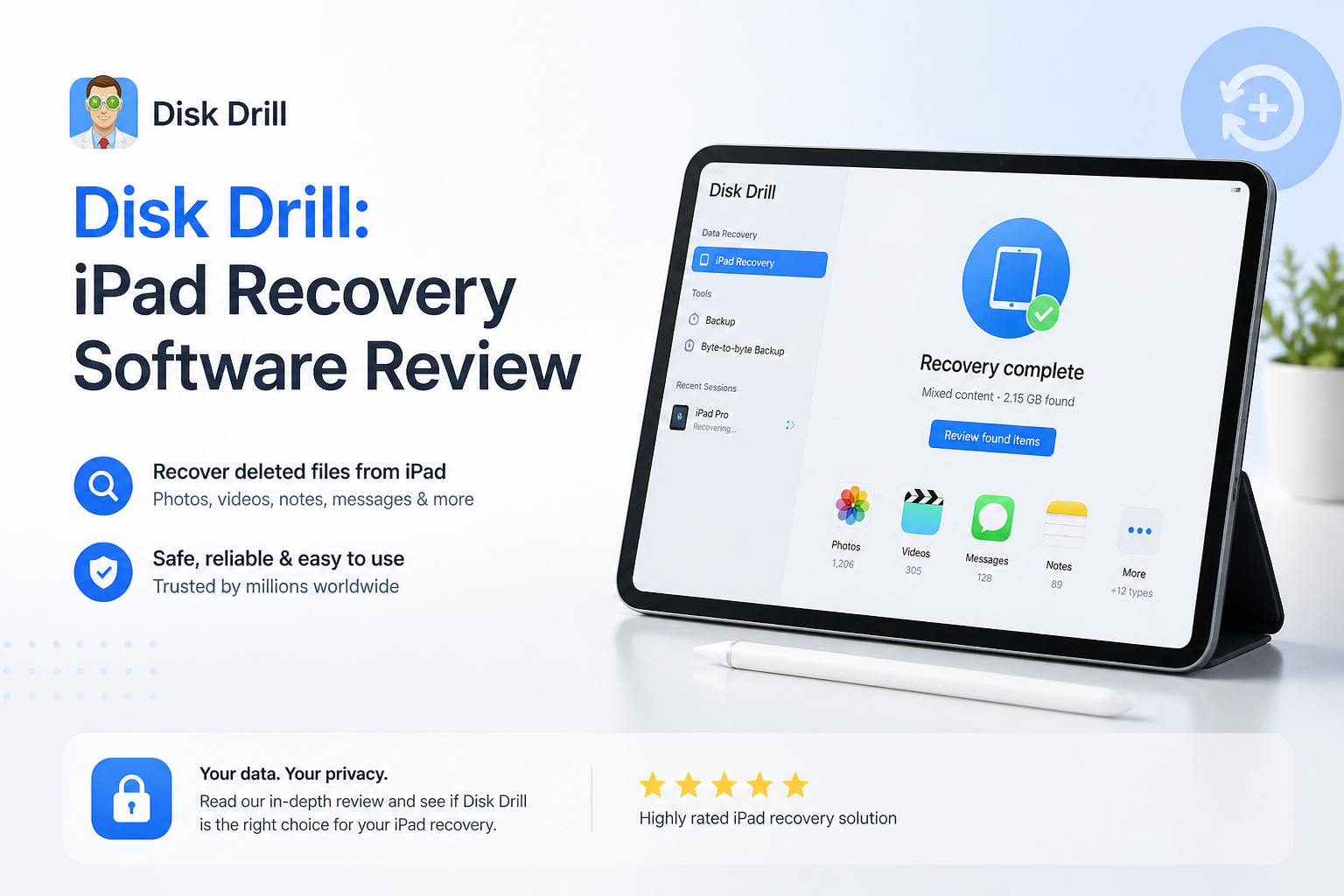
Disk Drill for iPad at a Glance
8.7/10Disk Drill is desktop recovery software that analyzes an iPad or its local backup. It lets you browse, preview, then export supported records to a Mac.
Best forMac users who need selected files or records from an accessible iPad backup without restoring the whole device
- Connected-iPad backup analysis
- Photo plus video previews
- Messages, contacts, notes, plus calendar extraction
- Encrypted iPad backup support
- Selective export to Mac
- Simple iPad connection workflow
- Wide range of recognizable data
- Selective recovery avoids a full restore
- No raw deep scan of iPad storage
- Full exports require PRO
- Large backups need plenty of Mac storage
Disk Drill iPad Recovery Features in Detail
01 iPad Recovery Capability
Backup analysis rather than raw storage scanning
9.1/10
iPad Recovery Capability
Backup analysis rather than raw storage scanning
Disk Drill handles an iPad differently from a hard drive. It creates or reads a local device backup, analyzes the databases inside it, then sorts available records into familiar groups. That approach works well for photos, videos, contacts, messages, notes, calendars, voice memos, plus Safari data.
The distinction matters. Disk Drill cannot run a sector-level Quick Scan or Deep Scan against an iPad because iPadOS does not expose raw storage to desktop software. It is best viewed as a selective backup extractor, not a magic undelete button for overwritten files.
- Can analyze a connected iPad or an existing local backup
- Exports selected records without a full-device restore
- Encrypted backups expose a fuller set of sensitive records
- Does not require installing an app on the iPad
- No raw sector scan of iPad storage
- Results depend on what remains inside the accessible backup

02 Result Browsing
Useful previews before the paid recovery step
8.9/10
Result Browsing
Useful previews before the paid recovery step
The strongest part of the workflow is what happens after analysis. Disk Drill separates records by type, making it easier to inspect a crowded backup without restoring everything to the iPad. Search, filters, thumbnails, plus file previews reduce the usual guesswork.
Previewing before purchase is the sensible move. If a needed photo opens correctly or a record appears with the expected content, you have much better evidence that upgrading will help. A filename alone is not enough proof.
- Free preview helps verify useful results
- Categories make large backups less messy
- Individual items can be selected for export
- Visual media is easy to inspect
- iOS results may not retain a familiar folder structure
- Some database records are less readable than ordinary files
03 Setup and Usability
A short guided path from connection to export
9.2/10
Setup and Usability
A short guided path from connection to export
Setup is pleasantly ordinary. Install Disk Drill on a Mac, connect the unlocked iPad by cable, approve the trust prompt, then open the iPhones & iPads section. The app handles backup creation plus analysis from there.
The screens use plain labels rather than recovery jargon. That is valuable during a stressful file-loss situation. The main snag is storage space. Disk Drill may need roughly twice the data currently used on the iPad while creating plus analyzing a working backup, so a nearly full Mac can stop the process early.
- Clear device list plus recovery controls
- No command-line work required
- Guided trust plus backup process
- Suitable for someone attempting recovery for the first time
- Large iPads can require substantial temporary Mac storage
- The initial backup may take a while over a slow connection
04 Supported iPad Data
Broad coverage with encryption-related caveats
8.6/10
Supported iPad Data
Broad coverage with encryption-related caveats
Disk Drill recognizes many records people actually care about after an iPad mishap. Coverage includes camera-roll media, videos, contacts, calendars, voice recordings, notes, bookmarks, chats, call history, documents, plus certain app data.
An encrypted local backup gives the software access to more protected categories. On modern iPadOS versions, items such as Safari history, saved credentials, Health information, plus some communication records may be omitted from an unencrypted backup. Face ID, Touch ID, plus the device passcode are never part of an iPad backup.
- Covers media plus personal information records
- Supports common photo, video, audio, document formats
- Can export only the items you need
- Encrypted-backup support improves coverage
- Not every app stores recoverable data in its backup
- Protected categories may be absent from unencrypted backups
05 Cost and Licensing
Good verification tools, though full recovery costs extra
7.7/10
Cost and Licensing
Good verification tools, though full recovery costs extra
Disk Drill Basic costs nothing to install. It can recognize an iPad, analyze available data, then preview recoverable items. Full exports require Disk Drill PRO, priced at $89 per year or $149 for a lifetime license.
A PRO license covers one user with activation on up to three devices across macOS plus Windows. For this particular job, remember that full iPad image, document, archive, plus deleted-file recovery is currently centered on the Mac edition. Purchases are generally nonrefundable once the activation code is delivered, so check the previews closely before paying.
- Free edition provides a meaningful result check
- Lifetime purchase avoids recurring charges
- One license covers Mac plus Windows
- Up to three device activations
- Basic does not provide unrestricted recovery
- The $89 annual plan is costly for a one-time iPad problem
- Purchases are generally nonrefundable
How We Evaluated Disk Drill for iPad Recovery
We reviewed the current Disk Drill 6.3 iPad workflow on macOS, focusing on device pairing, backup analysis, supported record categories, preview access, export controls, storage requirements, plus licensing. We also checked the product’s documented iPadOS limits against its general disk-recovery features so raw scanning was not confused with backup extraction.
Scores place extra weight on whether a regular iPad owner can verify useful content before paying. We lowered the cost score due to the paid export requirement, nonrefundable license terms, plus limited value for physically damaged devices.
When Disk Drill Cannot Solve an iPad Data Loss Problem
Do not keep attempting software recovery if the iPad will not power on, cannot stay connected, has severe liquid damage, or repeatedly restarts before a computer can trust it. Disk Drill needs a functioning connection plus access to the device or a readable local backup.
It also cannot recover storage blocks that iPadOS has securely erased or made inaccessible through encryption. If no useful item appears in the free preview, paying does not unlock a stronger secret scan. Look for an older Finder backup, iCloud copy, synced cloud folder, message attachment, or professional repair route instead.
Disk Drill for iPad Recovery: How It Scored by Category
| Category | Performance | Score |
|---|---|---|
| 01 iPad Recovery Capability | 9.1/10 | |
| 02 Result Browsing | 8.9/10 | |
| 03 Setup and Usability | 9.2/10 | |
| 04 Supported iPad Data | 8.6/10 | |
| 05 Cost and Licensing | 7.7/10 |
What Disk Drill Users Report Around the Web
One Reddit user said Disk Drill recovered family photos from an inaccessible SD card in about ten minutes after other tools failed to recognize the card.
A commenter confirmed that the free edition allowed file previews before purchase, which helped them judge whether an upgrade made sense.
Another commenter described a poor paid-recovery experience, saying the desired files were unusable plus support did not resolve the complaint. This is a useful reminder that no preview or recovery score guarantees success.
A separate user reported recovering files from a SanDisk external hard drive with Disk Drill 6 after trying several other approaches, though the job required the $89 annual license.
Should You Use Disk Drill for iPad Recovery?
Disk Drill is worth trying for iPad recovery if you have a Mac, an accessible device or local backup, plus enough free storage for analysis. Its organized categories plus free previews make it less risky than tools that demand payment before showing useful evidence.
Skip it if the iPad is physically dead, you expect a raw scan of erased flash storage, or the free analysis cannot display the missing content. Those cases need a different backup source or professional hardware help.
Check Photos Recently Deleted plus iCloud first, then run Disk Drill Basic and confirm the exact files in Preview before buying PRO.