Clever AI Humanizer Review: Pros, Cons, Pricing, and Features
Clever AI Humanizer costs nothing, accepts fairly long drafts, plus makes stiff copy easier to read. The catch is uneven availability, occasional wordiness, plus no guaranteed detector result.
Clever AI Humanizer is worth trying before paying for a rewriting service. It processes up to 3,000 words per request with no fixed monthly allowance, though capacity limits can temporarily block a run. Treat the output as an editable draft, not finished work or a guaranteed way past AI detectors. (cleverhumanizer.ai)
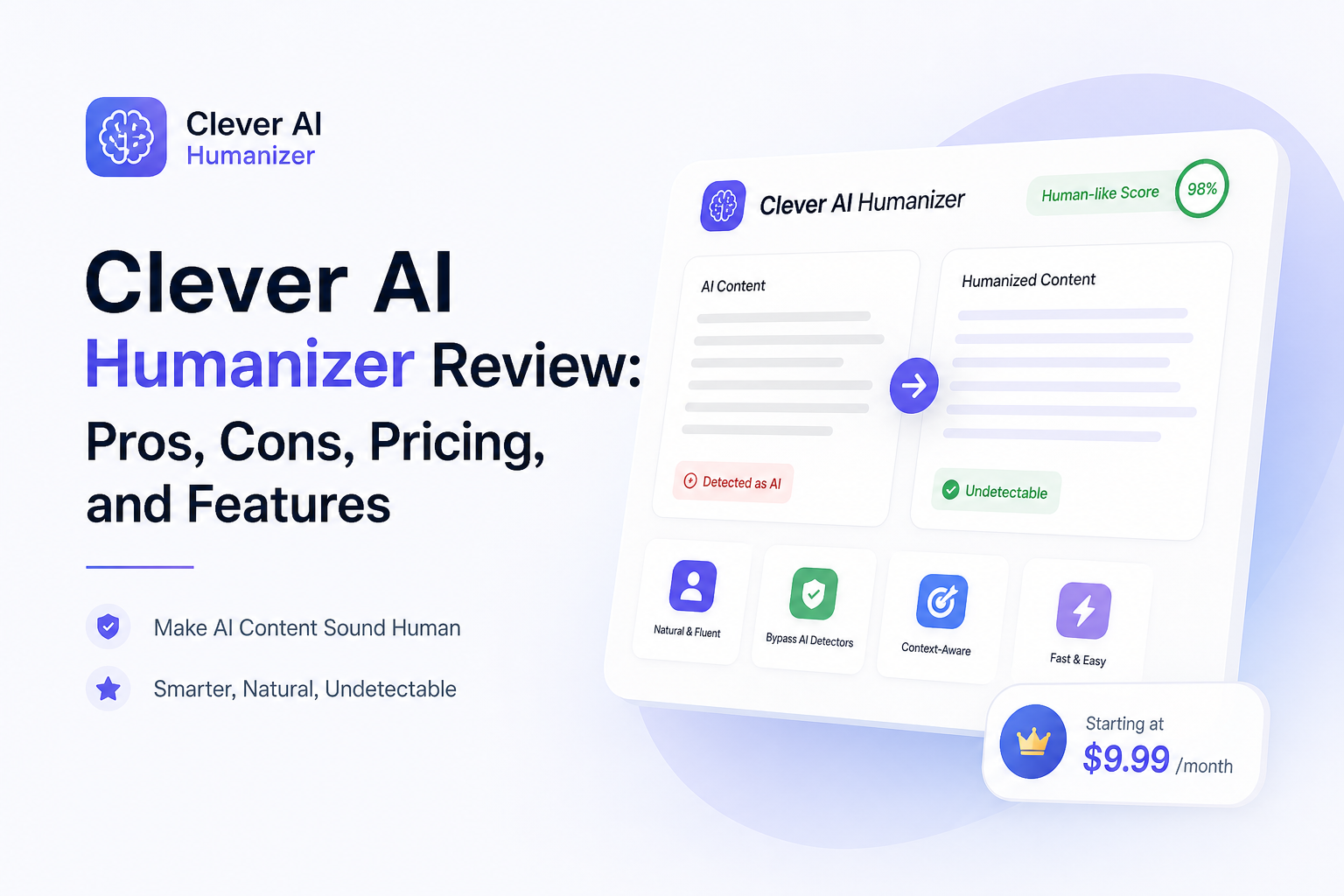
Clever AI Humanizer at a Glance
8.3/10Clever AI Humanizer is a browser-based editor that rewrites AI-assisted drafts to reduce repetitive phrasing, flat rhythm, plus overly uniform sentence structure. It is meant for polishing existing text rather than generating a complete document from scratch.
Best forWriters polishing low-risk drafts who have time to verify every change
- Up to 3,000 words per request
- Normal, Clear & Structured, plus Simple Formal modes
- English plus Spanish support
- Change highlighting
- Saved content history with an account
- No paid plan required
- Simple browser workspace
- Good at reducing stiff phrasing
- Output can become wordy
- Busy periods may block requests
- No detector result is guaranteed
Clever AI Humanizer Features, Limits, and Output Quality
01 Rewrite Quality
Cleaner rhythm with some extra trimming
8.4/10
Rewrite Quality
Cleaner rhythm with some extra trimming
Clever AI Humanizer does its best work on stiff drafts with repeated sentence patterns. The Normal mode usually softens textbook-like wording without turning every line into slang.
The output still needs a read-through. Longer samples can gain unnecessary words, plus an independent Reddit benchmark reported roughly 16% word-count growth. Short introductions or direct instructions sometimes come back less concise than the source. (reddit.com)
- Breaks up repetitive sentence construction
- Avoids the messy synonym swapping seen in basic spinners
- Normal mode suits blog copy plus everyday writing
- Change highlighting makes review easier
- May make concise passages longer
- A few phrases can sound processed
- Results depend heavily on source quality

02 Ease of Use
Little setup beyond pasting a draft
9.2/10
Ease of Use
Little setup beyond pasting a draft
The workspace is straightforward: paste or upload a draft, pick a style, run the rewrite, then copy the result. A word counter, change highlighting, plus content history cover the practical basics.
Inputs must contain at least 30 words. That makes the tool less handy for fixing a lone sentence, though it remains simple for paragraphs, emails, reports, or article sections. (cleverhumanizer.ai)
- No software installation
- Clear input plus result panes
- Supports pasted text or file uploads
- Change highlighting helps catch altered claims
- Minimum 30-word input
- Few visible controls for fine tone adjustments
03 Meaning Preservation
Generally faithful, never safe to skip review
7.9/10
Meaning Preservation
Generally faithful, never safe to skip review
Most routine passages keep their central point, especially if the source is clear. Trouble becomes more likely with technical qualifications, citations, numbers, legal wording, or sentences where one modifier changes the claim.
The site itself warns that the service can make mistakes. Check names, figures, quotations, plus any sentence carrying a factual or contractual meaning before using the result. (cleverhumanizer.ai)
- Usually retains the source structure
- Useful change-highlighting view
- Works well for low-risk tone cleanup
- Can subtly shift a qualification
- Not suitable for unchecked factual publishing
- Technical language may lose precision
04 Limits and Reliability
Large requests, though access is not guaranteed
7.4/10
Limits and Reliability
Large requests, though access is not guaranteed
Each request can contain up to 3,000 words, with no fixed monthly allowance. That is enough for a long article section or several short pieces in one pass.
The practical limit is processing capacity. During busy periods, the site may refuse a request plus ask you to return later. The official wording also makes clear that free processing remains subject to service availability. (cleverhumanizer.ai)
- Up to 3,000 words in one request
- No stated monthly word quota
- English plus Spanish input supported
- Capacity errors can interrupt work
- No guaranteed processing time
- Poor fit for deadline-critical batch production
05 Free Access
No paywall at the time of review
9.5/10
Free Access
No paywall at the time of review
The main humanizer is currently $0. Clever AI Humanizer states that it has no ads, no paywall, plus no fixed monthly word allowance. A free account can also unlock content history.
There is no paid upgrade to judge against the free result right now. CleverFiles says premium features may arrive later, so future pricing could change even though the July 2026 service remains free. (cleverhumanizer.ai)
- Core humanizer costs $0
- No payment card required for basic use
- No fixed monthly word allowance
- Strong value for occasional editing
- Free capacity may run out temporarily
- Future premium features remain possible
How We Evaluated Clever AI Humanizer for Everyday Writing
We reviewed the live July 2026 interface, its current input rules, style controls, stated pricing, language support, capacity notices, plus responsible-use terms. The score also weighs published user tests, with extra caution given to detector claims because those tools change often.
Our practical review focused on what survives outside a benchmark: readable flow, retained meaning, manageable word growth, clear limits, plus the amount of manual cleanup left afterward. Detector scores were treated as observations, not promises.
When Clever AI Humanizer Is the Wrong Editing Tool
Do not use a humanizer as a substitute for authorship where a school, employer, client, or publisher requires original human work. Rephrasing an AI draft does not change the policy that governs how the material was created.
It is also a poor final editor for medical, legal, financial, or heavily sourced writing. In those cases, a small wording shift can alter the advice or detach a claim from its evidence. Use subject review plus conventional proofreading instead.
How Clever AI Humanizer Scored Across Our Review Criteria
| Category | Performance | Score |
|---|---|---|
| 01 Rewrite Quality | 8.4/10 | |
| 02 Ease of Use | 9.2/10 | |
| 03 Meaning Preservation | 7.9/10 | |
| 04 Limits and Reliability | 7.4/10 | |
| 05 Free Access | 9.5/10 |
What Reddit Users Report About Clever AI Humanizer
One Reddit benchmark rated Clever AI Humanizer highly among free options, praising its GPTZero result plus balanced writing quality. The same test found added length plus inconsistent processing speed.
A user testing five samples said some outputs passed GPTZero, though others were flagged or suffered from awkward phrasing plus slight meaning changes.
Another reviewer found the interface easy plus useful for quick cleanup, but described the tone as inconsistent compared with a competing tool.
A July 2026 user reported temporary feature changes plus reduced language support. The current official page now lists English plus Spanish, suggesting the service was still changing during that period.
Should You Use Clever AI Humanizer?
Clever AI Humanizer is an easy recommendation for people who want a free cleanup pass before doing their own edit. Its generous request size plus uncluttered workflow outweigh the occasional wordiness for low-risk writing.
Skip it for confidential drafts, strict academic submissions, legal copy, or any job where a changed detail could cause harm. It also should not be treated as a reliable detector-bypass service, a point the company now acknowledges itself.
Run one representative paragraph first, compare every highlighted change, then decide whether the same mode is safe for the full draft.