Best WiFi Analyzer Software in 2026
Five WiFi analyzers stood out for channel inspection, coverage mapping, or deeper troubleshooting. NetSpot offers the best balance for most homes plus small IT teams.
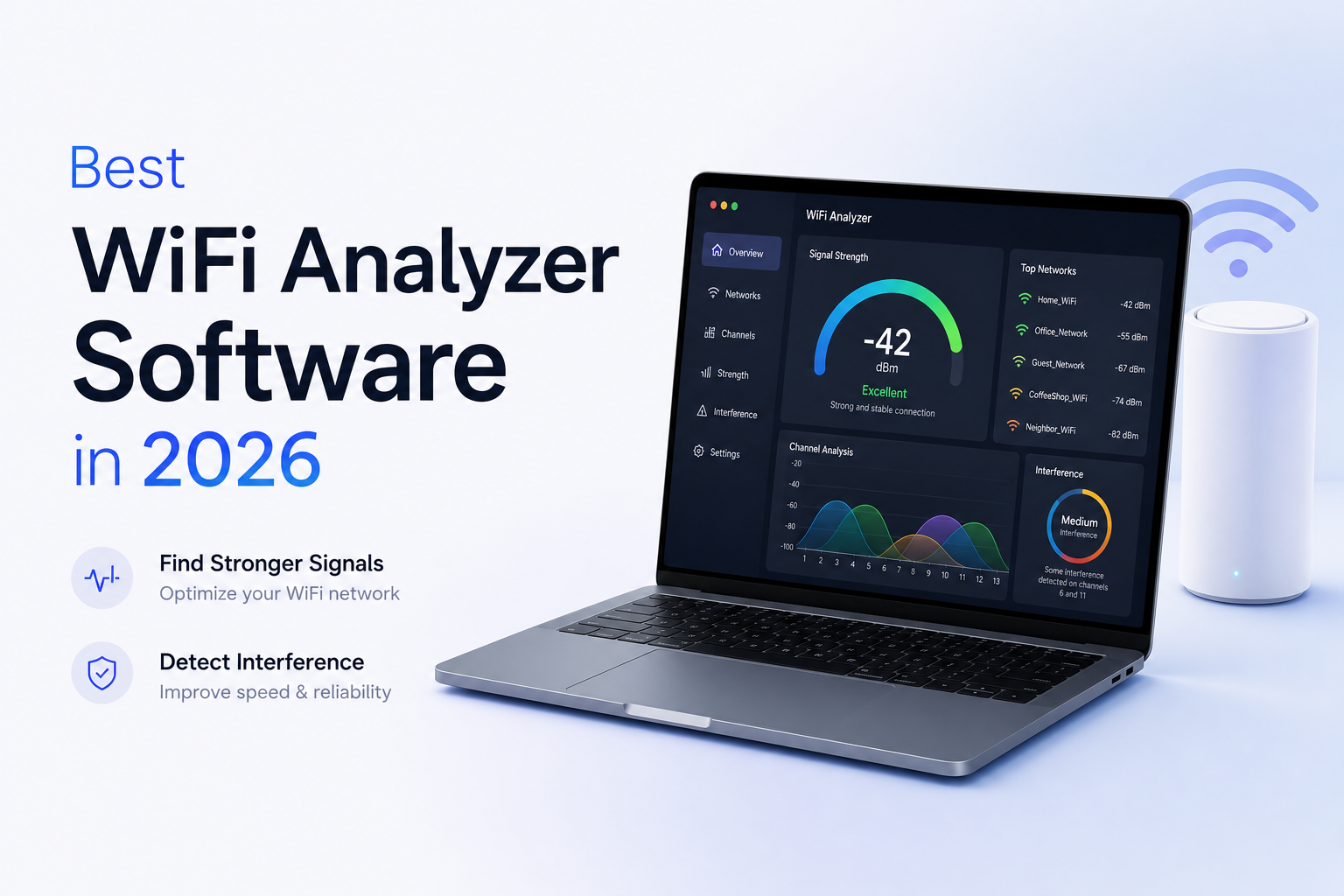
NetSpot is the best WiFi analyzer software for most people in 2026. Its free scanner handles quick channel checks, while paid editions add floor-plan heatmaps plus predictive planning. Acrylic is stronger for packet-level Windows troubleshooting, while WiFi Explorer Pro 3 is the cleaner specialist choice for Mac.
NetSpot
9.2/10Best for: Home users, IT staff, or consultants who need quick channel checks plus floor-plan coverage surveys
- Combines nearby-network scanning with floor-plan heatmaps
- Runs on Windows, macOS, Android, plus iOS
- Free edition handles useful channel checks
- Pro supports predictive WiFi planning
Acrylic Wi-Fi Analyzer
8.7/10Best for: Windows technicians who need monitor mode, packet details, or client visibility from compatible adapters
- Free scanner covers basic channel checks
- Advanced edition includes packet analysis
- Supports annual or perpetual licenses
- Detailed inventory plus report generation
WiFi Explorer Pro 3
8.5/10Best for: WLAN specialists who want dense technical detail presented cleanly on a Mac
- Excellent macOS interface
- Strong filtering plus network decoding
- Imports results from several outside tools
- Supports remote Linux or Android sensors
Best WiFi Analyzer Software Compared
This table compares platform coverage, floor-plan heatmaps, pricing, plus our editorial scores. The scores reflect feature range, usability, practical limits, plus value rather than a controlled RF benchmark. Each review below explains the reasoning.
| Tool | Heatmaps | Platforms | Price | Score |
|---|---|---|---|---|
| 1. NetSpot PICK | ● Yes | Windows, Mac, iOS, Android | Free or $149 one-time | 9.2/10 |
| 2. Acrylic Wi-Fi Analyzer | ● No | Windows | Free or $47.88/yr | 8.7/10 |
| 3. WiFi Explorer Pro 3 | ● No | macOS | $129.99 one-time | 8.5/10 |
| 4. inSSIDer | ● No | Windows, Mac | Free | 8.0/10 |
| 5. Vistumbler | ● No | Windows | Free | 7.5/10 |
The 5 Best WiFi Analyzer Software Tools, Reviewed
01 NetSpot
Windows, macOS, Android, iOS
9.2/10
NetSpot
Windows, macOS, Android, iOS
NetSpot gave us the most useful mix of everyday scanning plus deeper survey work. Inspector mode made crowded channels easy to spot, while the floor-plan workflow exposed weak coverage room by room. Its support for 20+ survey visualizations in Pro offers far more room to investigate than a basic channel graph.
The free edition is genuinely useful for checking SSIDs, BSSIDs, bands, channels, signal levels, plus security details. Paid editions add proper heatmapping, larger projects, reporting, plus predictive planning. That gradual upgrade path helped NetSpot finish first because you can start small without learning a totally different tool later.
There are limits. The Home edition is for personal use, while advanced planning sits in Pro or Enterprise. Still, NetSpot covers more troubleshooting situations than the narrowly focused scanners below.
Best forHome users, IT staff, or consultants who need quick channel checks plus floor-plan coverage surveys
- Combines nearby-network scanning with floor-plan heatmaps
- Runs on Windows, macOS, Android, plus iOS
- Free edition handles useful channel checks
- Pro supports predictive WiFi planning
- Clear visualizations help explain coverage trouble
- Commercial work requires Pro or Enterprise
- Major version upgrades may cost extra without lifetime upgrades
- Mobile licenses are separate from desktop licenses

02 Acrylic Wi-Fi Analyzer
Windows / Tarlogic
8.7/10
Acrylic Wi-Fi Analyzer
Windows / Tarlogic
Acrylic goes further below the surface than most consumer analyzers. The free edition shows channels, signal levels, plus a small device inventory. Basic adds saved captures plus reports, while Advanced unlocks monitor mode across 2.4, 5, plus 6 GHz, connected-client identification, SNR analysis, plus packet retransmission data.
This depth makes Acrylic a strong fit for stubborn Windows problems where changing a router channel did not fix anything. It can help separate weak coverage from noisy airtime or excessive retries. The tradeoff is a busier interface, plus some advanced features depend on one of the supported WiFi adapters.
Best forWindows technicians who need monitor mode, packet details, or client visibility from compatible adapters
- Free scanner covers basic channel checks
- Advanced edition includes packet analysis
- Supports annual or perpetual licenses
- Detailed inventory plus report generation
- Monitor mode supports more than 250 compatible cards
- Windows only
- Advanced views take time to learn
- Monitor mode depends on compatible hardware
03 WiFi Explorer Pro 3
macOS / Intuitibits
8.5/10
WiFi Explorer Pro 3
macOS / Intuitibits
WiFi Explorer Pro 3 is the sharpest dedicated scanner here for macOS. It groups radios by name, physical access point, or vendor, then exposes capabilities without turning every check into a spreadsheet exercise. Filtering stayed practical even in a busy scan with many neighboring SSIDs.
The 7-day trial gives technicians enough time to check adapter behavior before paying. Spectrum integrations, remote sensors, capture imports, plus detailed network decoding make the app especially useful for validation work. It does not create conventional walk-around coverage heatmaps, so NetSpot remains the more flexible general choice.
Best forWLAN specialists who want dense technical detail presented cleanly on a Mac
- Excellent macOS interface
- Strong filtering plus network decoding
- Imports results from several outside tools
- Supports remote Linux or Android sensors
- Integrates compatible spectrum analyzers
- No Windows edition of Pro 3
- No traditional floor-plan heatmapping
- Some passive-scan behavior depends on Mac hardware plus macOS
04 inSSIDer
Windows, macOS / MetaGeek
8.0/10
inSSIDer
Windows, macOS / MetaGeek
inSSIDer remains a handy way to view nearby radios, channel overlap, signal strength, plus security settings. It highlights the connected network, which saves a little hunting when an apartment building or office produces a long SSID list. A free account is required, though the core scanner costs $0.
The scanner is less suited to mapping dead zones because it lacks NetSpot-style floor plans. MetaGeek Plus can add snapshots, cloud syncing, plus client traffic analysis, yet the free version is the cleaner value for quick channel diagnosis. Pick it if you want familiar graphs rather than a complete survey package.
Best forPeople who want a recognizable channel view without floor plans or lengthy setup
- Core WiFi scanner is free
- Available for Windows plus macOS
- Connected network is easy to identify
- Groups radios belonging to the same network
- Useful signal plus channel displays
- Requires a free account
- No floor-plan coverage heatmaps
- Deeper traffic features require MetaGeek Plus
05 Vistumbler
Windows / Open-Source Project
7.5/10
Vistumbler
Windows / Open-Source Project
Vistumbler takes a different route from the polished commercial tools. It scans through the Windows Native WiFi API or netsh, then records access points with optional GPS data. Exports to KML or GPX are useful for field mapping, wardriving research, or documenting radios across a large outdoor property.
Version 10.10.1 was released on February 27, 2026, giving this older project a welcome refresh. The interface still feels utilitarian, plus there are no indoor floor-plan heatmaps. For a free, portable Windows scanner with unusual GPS features, though, it fills a real niche.
Best forWindows hobbyists or field users who need GPS-tagged access-point records at no cost
- Completely free plus open source
- Installer, portable build, plus source available
- GPS support for compatible NMEA receivers
- KML plus GPX export
- Works through native Windows WiFi tools
- Windows only
- Interface feels dated
- No conventional indoor heatmap survey
How We Evaluated the Best WiFi Analyzer Software for 2026
We compared each tool through common troubleshooting jobs: finding crowded channels, identifying individual radios, reading signal strength, checking security details, filtering a busy network list, plus exporting useful data. We also reviewed floor-plan surveys, platform support, hardware dependencies, account requirements, plus current license terms.
The ranking favors software that helps a regular user move from observation to a sensible fix. Scores are editorial judgments, not claims that one laptop discovered a fixed percentage more networks. WiFi scan results change with the adapter, operating system, driver, room, nearby traffic, plus scan timing.
How to Choose WiFi Analyzer Software for Your Network Problem
Start with the symptom. Slow service in one room calls for a signal survey or heatmap. Random lag near several neighboring routers calls for channel plus utilization checks. Problems involving retries, roaming, or mystery interference may justify packet capture or a separate spectrum analyzer.
Check platform limits before buying. macOS can restrict details exposed through its wireless framework, while Windows monitor mode often needs a compatible adapter. Mobile apps are convenient for walking around, though a laptop usually gives you better filtering, exports, plus project management.
Common WiFi Analysis Mistakes That Lead to Bad Fixes
A channel graph is a snapshot, not a final diagnosis. Do not move every access point to the channel that looks quiet during one 20-second scan. Repeat measurements at busy times, then compare the router area with the places where people actually work or stream.
A strong signal does not guarantee usable WiFi. Congestion, non-WiFi interference, poor backhaul, overloaded access points, plus a slow internet connection can look similar. Test a wired connection where possible, record signal in dBm, then change one setting at a time.
Which WiFi Analyzer Should You Use in 2026?
NetSpot earns first place because it handles quick scans, indoor coverage surveys, plus future network planning in one app. That range makes it useful after the initial channel change, when you discover the real trouble is a wall, poor access-point placement, or overlapping coverage.
Choose Acrylic for deeper Windows diagnostics, WiFi Explorer Pro 3 for professional Mac scanning, inSSIDer for simple free graphs, or Vistumbler for GPS-based field mapping. Your operating system plus the kind of problem you need to solve matter more than the longest feature list.
Run a free scan beside the router, in the weakest room, plus at one normal work location before paying for extra features.